Configuring System Information 163
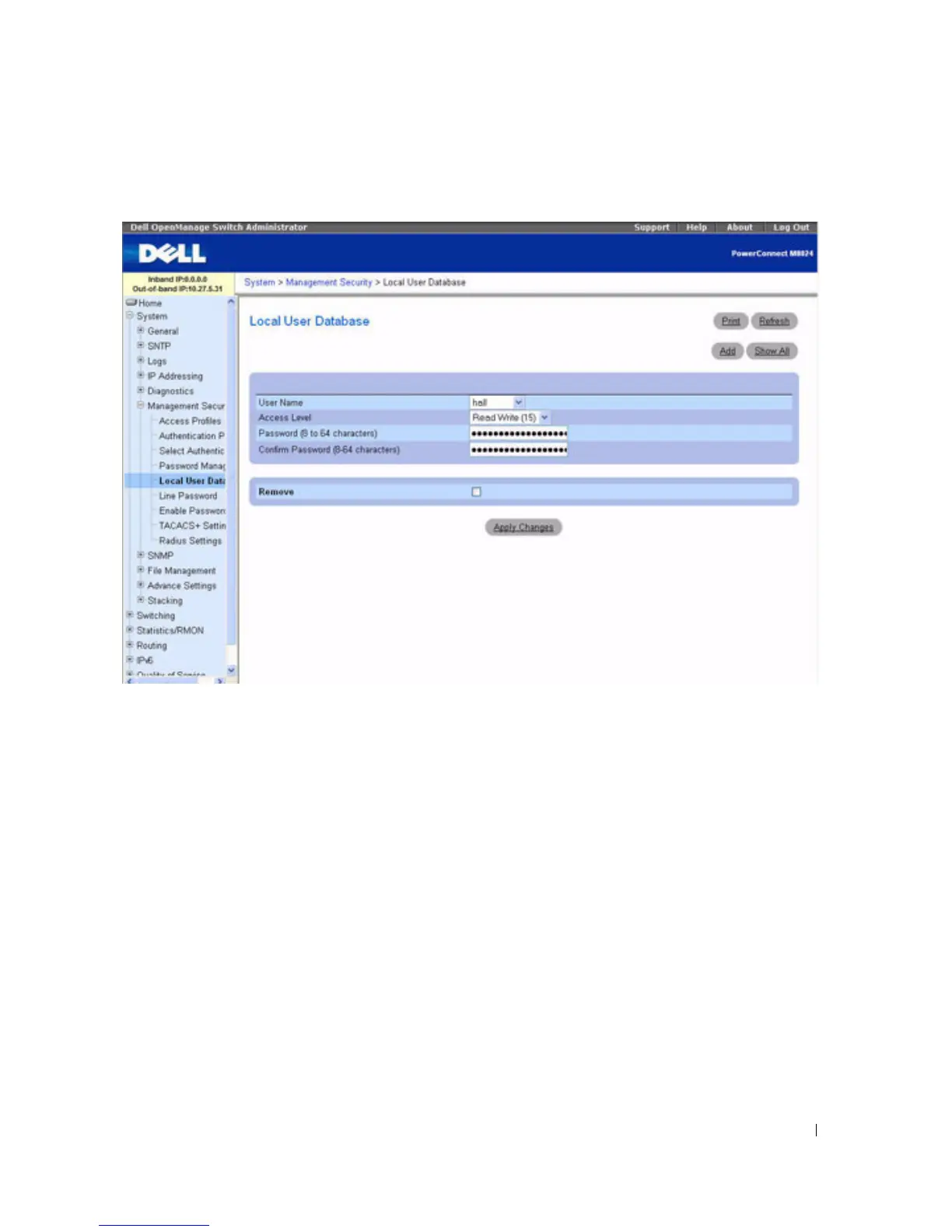
Figure 6-48. Local User Database
The Local User Database page contains the following fields:
•
User Name
— List of users.
•
Access Level
— User access level. The lowest user access level is
1 (
readonly
),
and
15
(readwrite) is the
highest. To suspend a user’s access, set level to 0 (only a level 15 user has this ability).
•
Password (8
–
64 characters)
— User-defined password.
•
Confirm Password —
Confirms the user-defined password.
•
Remove
— When selected, removes users from the local user database.
Assigning Access Rights to a User
1.
Open the
Local User Database
page.
2.
Select a user in the
User Name
field.
3.
Define the fields as needed.
4.
Click
Apply Changes
.
The user’s access rights and passwords are defined, and the device is updated.



 To Next Page