164 Configuring System Information
Adding a User to the Local User Database
1.
Open the
Local User Database
page.
2.
Click
Add
to display the
Add User
page.
The
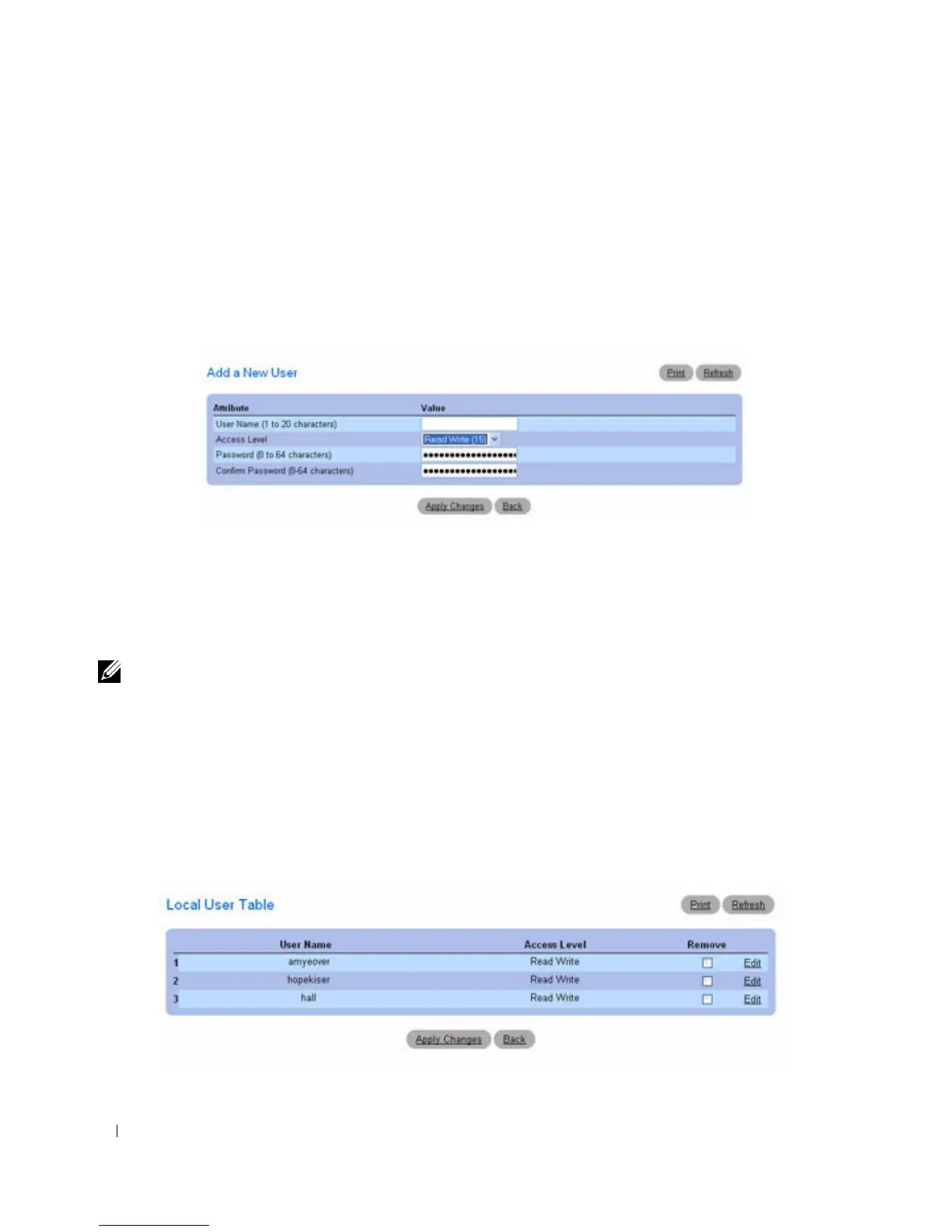
Add a New User
page is displayed.
Figure 6-49. Add a New User
3.
Complete the fields.
4.
Click
Apply Changes
.
The new user is defined, and the device is updated.
Note: You can define as many as eight local users on the device.
Displaying Users on the Local User Database
1.
Open the
Local User Database
page.
2.
Click
Show All
to display the
Local User Table
page.
All members of the local user database are displayed.
Figure 6-50. Local User Table



 To Next Page