214 Configuring System Information
–
Read
— Select a view that restricts management access to viewing the contents of the agent. If no
view is selected, all objects except the community-table, SNMPv3 user and access tables can be
viewed.
–
Write
— Select a view that permits management read-write access to the contents of the agent.
–
Notify
— Select a view that permits sending SNMP traps or informs.
Adding SNMP Groups
1.
Open the
Access Control
Configuration
page.
2.
Click
Add
.
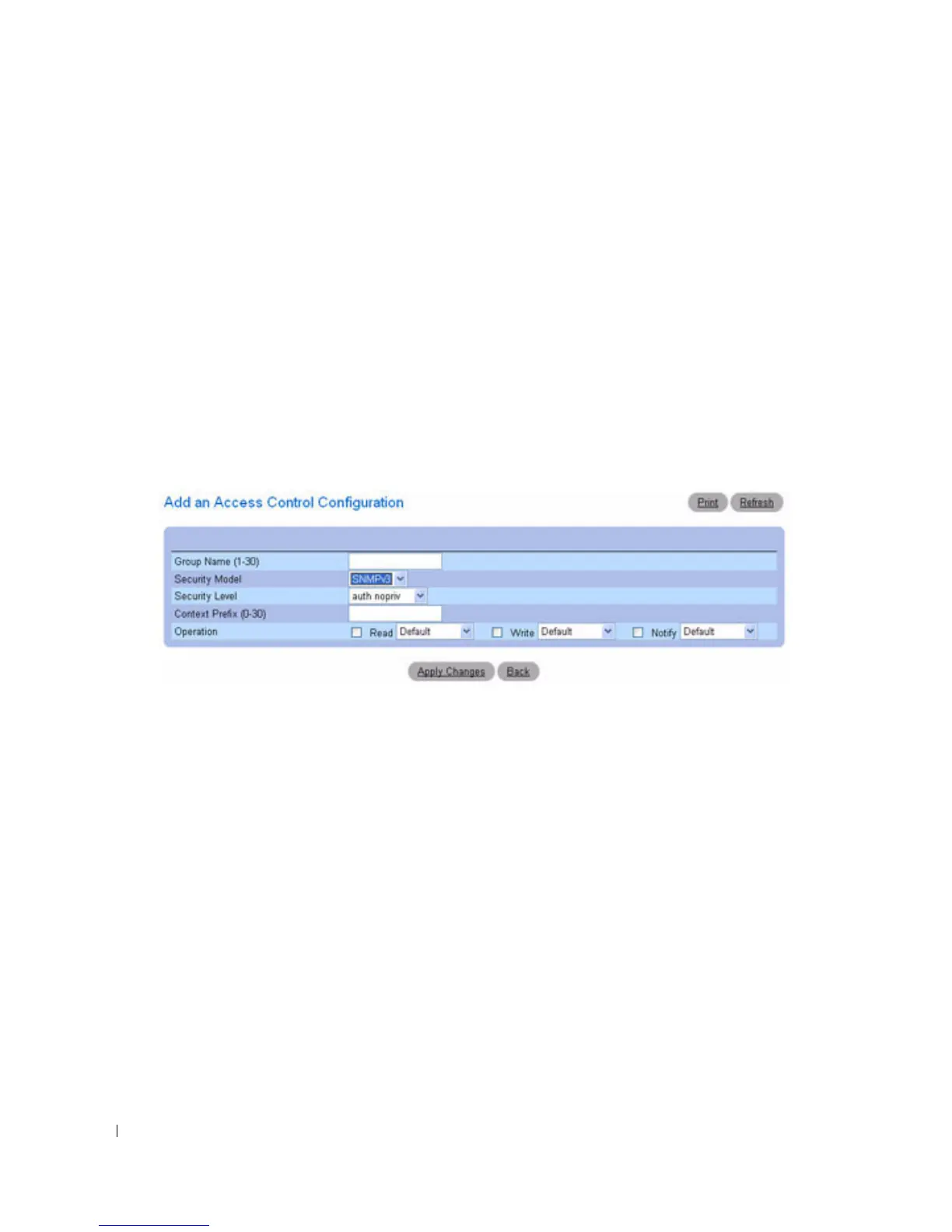
The
Add an Access Control Configuration
page displays
:
Figure 6-94. Add an Access Control Configuration
3.
Define the fields as needed.
4.
Click
Apply Changes
.
The group is added, and the device is updated.
Displaying the Access Table
1.
Open the
Access Control
Configuration
page.
2.
Click
Show All
.
The
Access Table
page displays:



 To Next Page