Configuring System Information 217
•
Privacy
— Specifies whether or not the authentication key is to be used. Choose one of the following
values:
–
None —
Do not use an authentication key.
–
des
— Use a CBC-DES Symmetric Encryption Password for the authentication key.
–
des-key
— Use an HMAC-MD5-96 Authentication Pre-generated key.
•
Authentication Key(MD5-16; SHA-20 HEX character pairs) —
Specify the authentication key. An
authentication key is defined only if the authentication method is MD5 or SHA.
•
Remove
— Removes the specified user from the specified group when checked.
Adding SNMPv3 Local Users to a Group
1.
Open the
SNMPv3 User Security Model
page.
2.
Click
Add
Local User
.
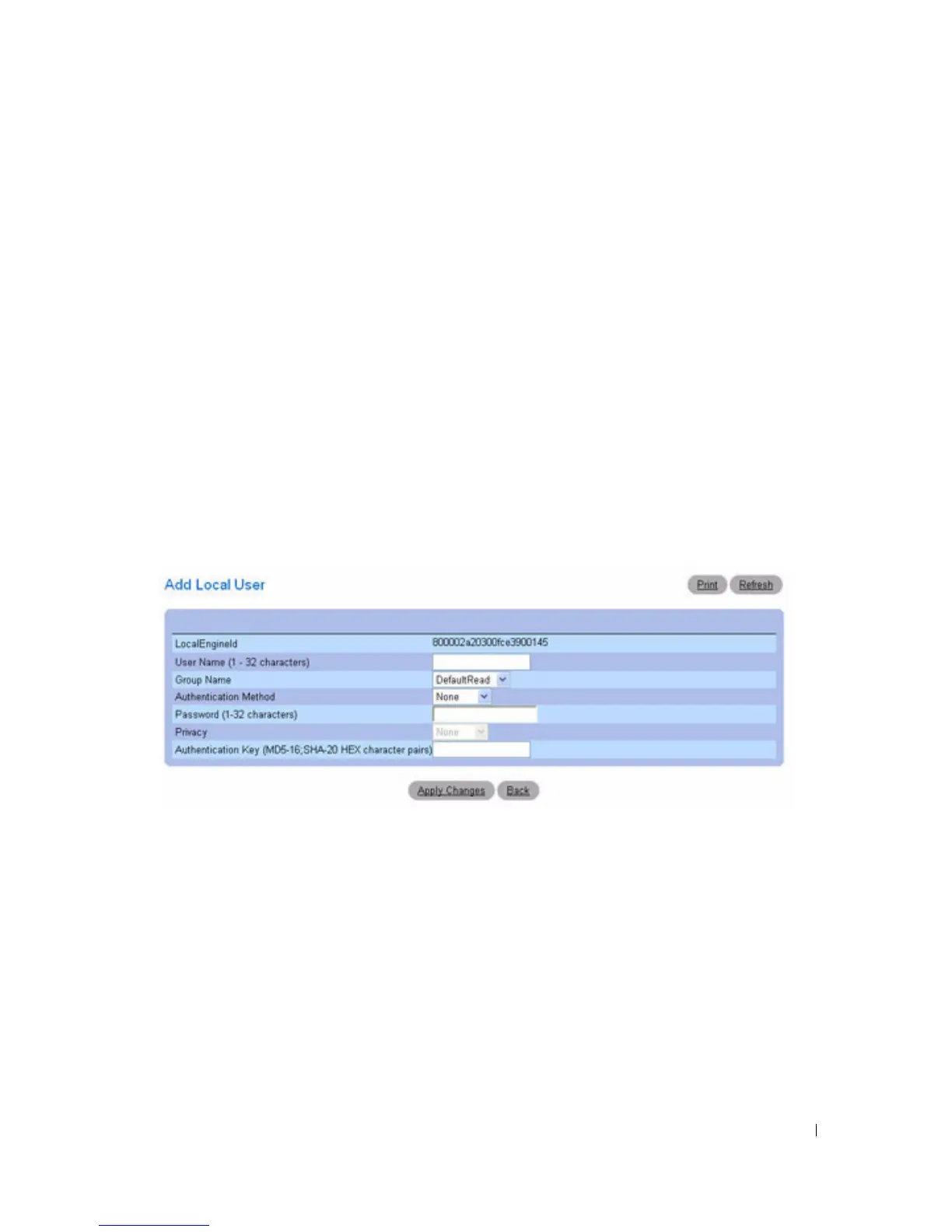
The
Add Local User
page displays:
Figure 6-97. Add Local User
3.
Define the
relevant
fields.
4.
Click
Apply Changes
.
5.
The user is added to the group, and the device is updated.
Adding SNMPv3 Remote Users to a Group
1.
Open the
SNMPv3 User Security Model
page.
2.
Click
Add Remote User
.
The
Add Remote User
page displays:



 To Next Page