218 Configuring System Information
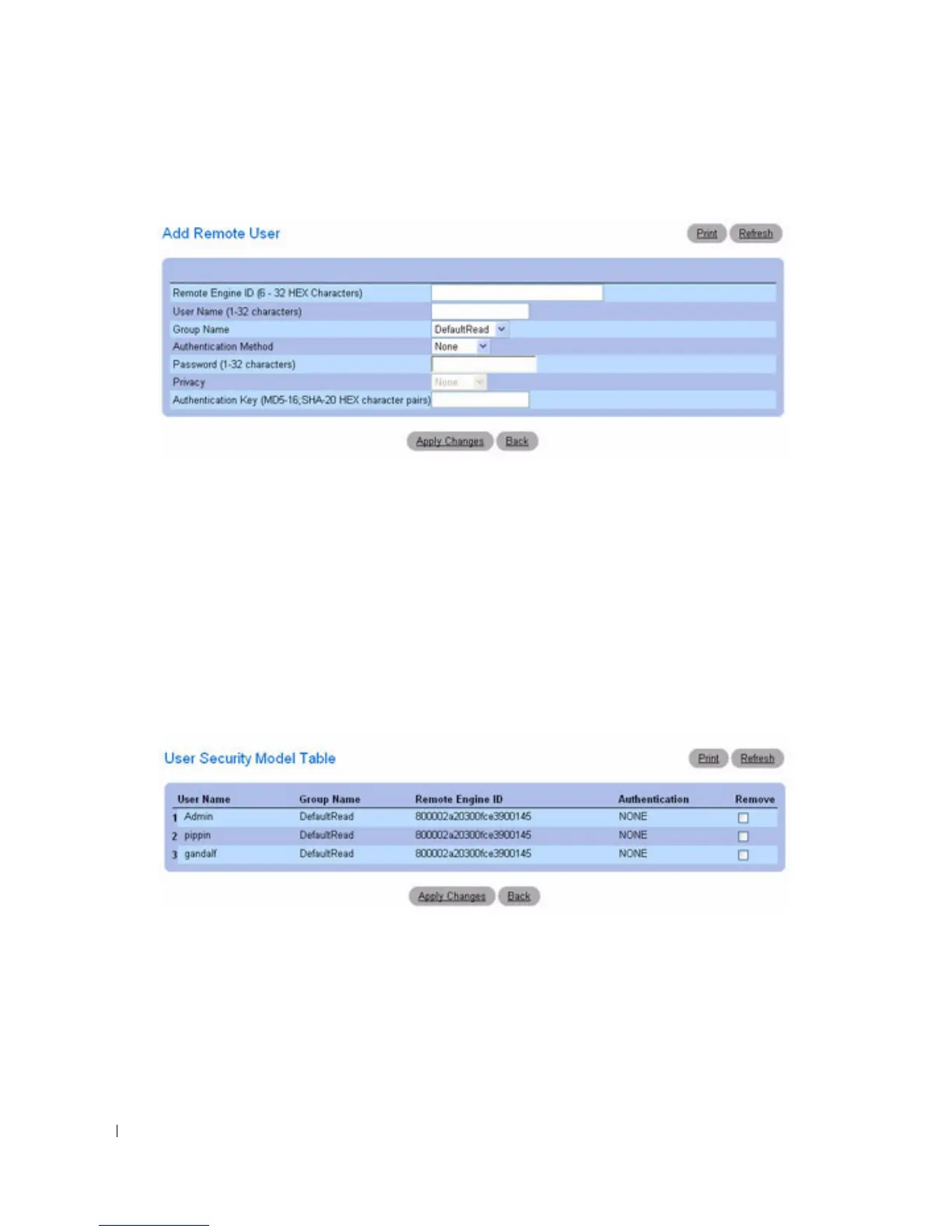
Figure 6-98. Add Remote User
3.
Define the
relevant
fields.
4.
Click
Apply Changes
.
5.
The user is added to the group, and the device is updated.
Viewing the User Security Model Table
1.
Open the
SNMPv3 User Security Model (USM)
page.
2.
Click
Show All
.
The
User Security Model Table
displays:
Figure 6-99. User Security Model Table



 To Next Page