Configuring System Information 223
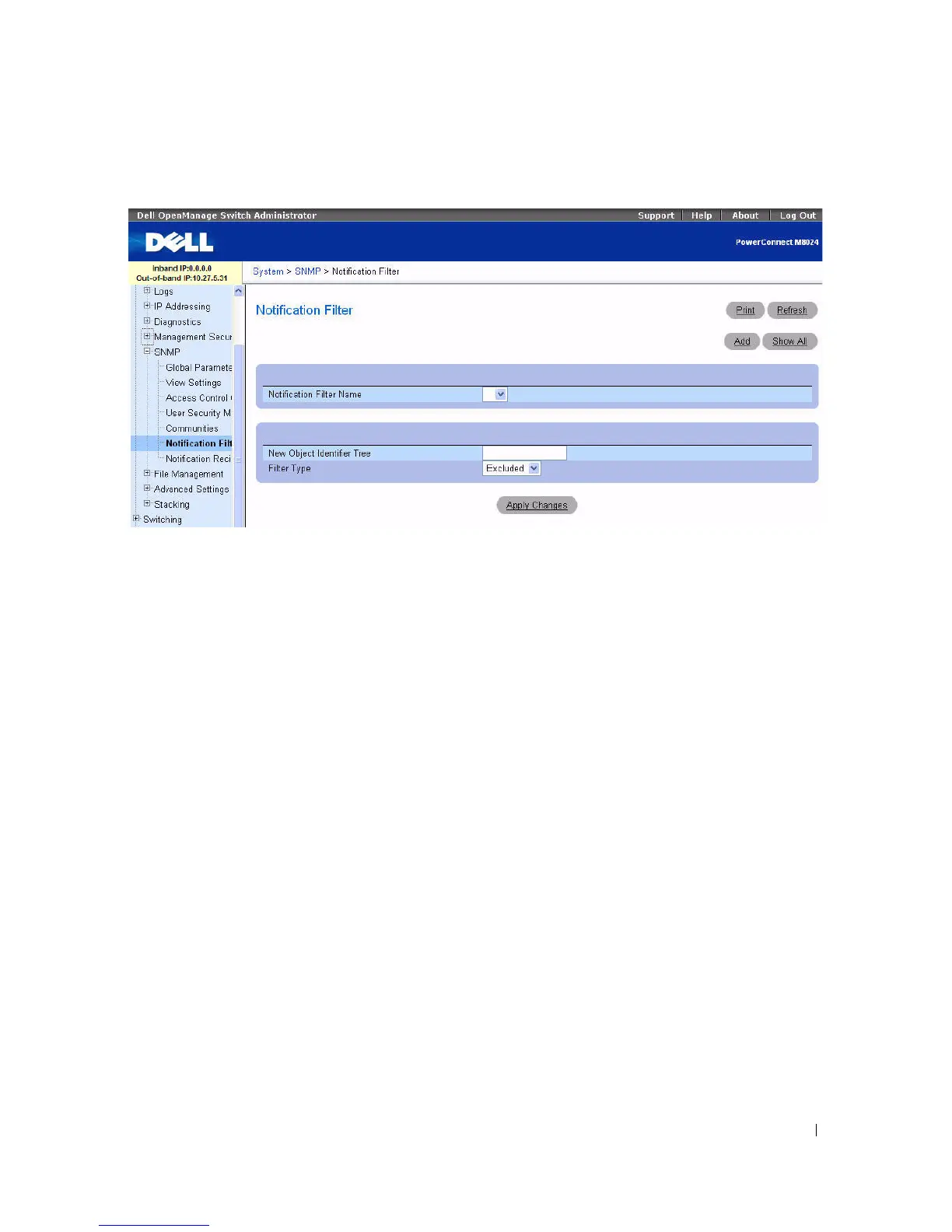
Figure 6-103. Notification Filter
The Notification Filter page contains the following fields:
•
Notification Filter Name —
Contains a list of user-defined notification filters. A notification filter
name can contain a maximum of 30 characters.
•
New Object Identifier Tree —
Displays the OID configured for the selected filter. This field can be
edited.
•
Filter Typ
e — Indicates whether informs or traps are sent regarding the OID to the trap recipients.
–
Excluded —
Restricts sending OID traps or informs.
–
Included —
Sends OID traps or informs.
Adding SNMP Filters
1.
Open the
Notification Filter
page.
2.
Click
Add
.
The
Add Filter
page displays:



 To Next Page