224 Configuring System Information
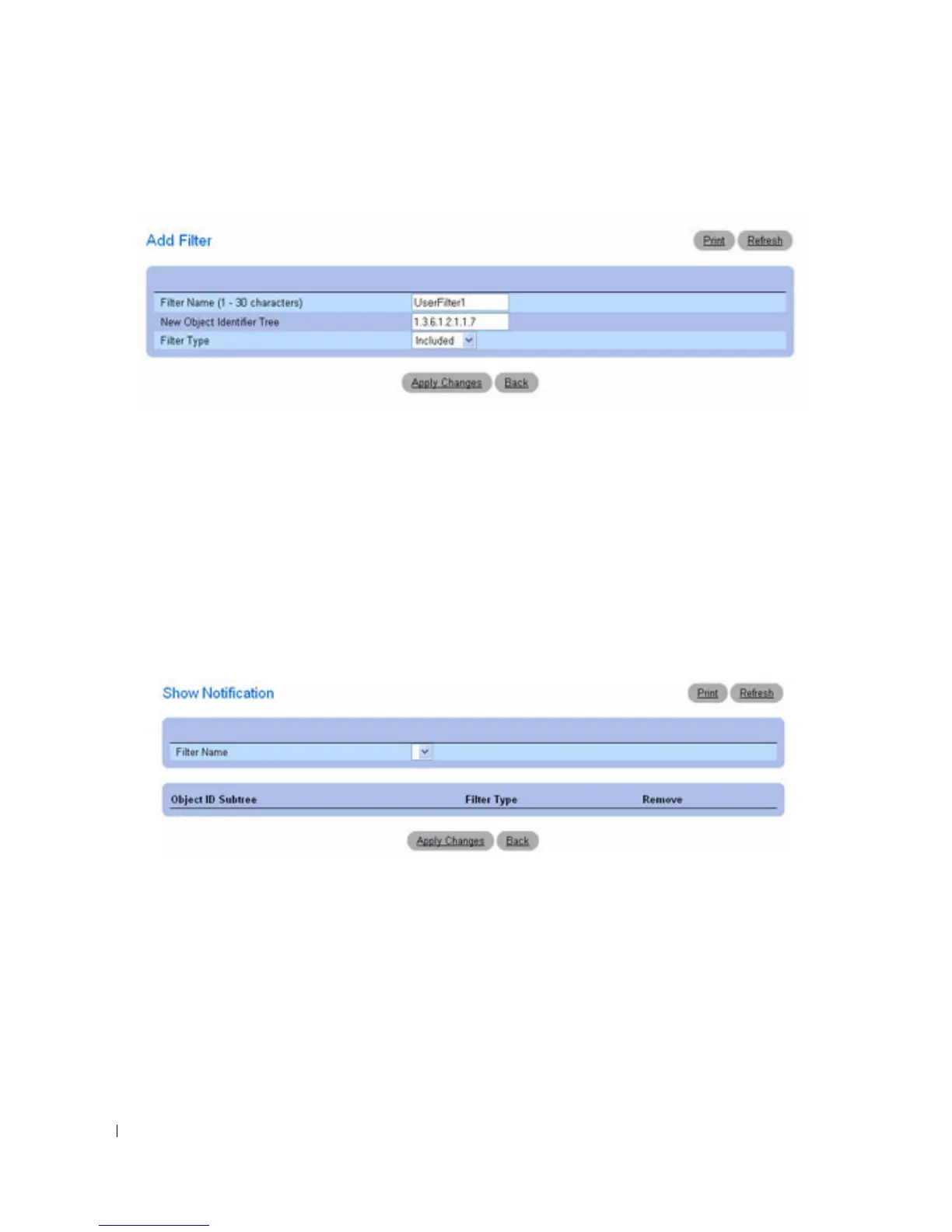
Figure 6-104. Add Filter
3.
Define the relevant
fields.
4.
Click
Apply Changes
.
The new filter is added, and the device is updated.
Displaying the Filter Table
1.
Open the
Notification Filter
page.
2.
Click
Show All
.
The
Filter Table
page appears, which displays all of the filters configured for the selected filter name:
Figure 6-105. Show Notification
Removing a Filter
1.
Open the
Notification Filter
page.
2.
Click
Show All
.
The
Show Notification
page displays.
3.
Select the
Filter Table
entry.
4.
Check
Remove
.
The filter entry is removed, and the device is updated.



 To Next Page