328 Configuring Switching Information
–
Custom
— Use this to specify that double-tagged frames will use a custom Ethertype. A custom
Ethertype may be used to make the switch interoperable with specific or non-standard equipment
that does not support 802.1 or vMAN values of Ethertype in double-tagged frames. For more
information, refer to the list of registered Ethertype values for common protocols.
•
Custom Type
— If
Custom
is selected in the Ethertype field, enter a custom Ethertype value in any
range from 0 to 65535.
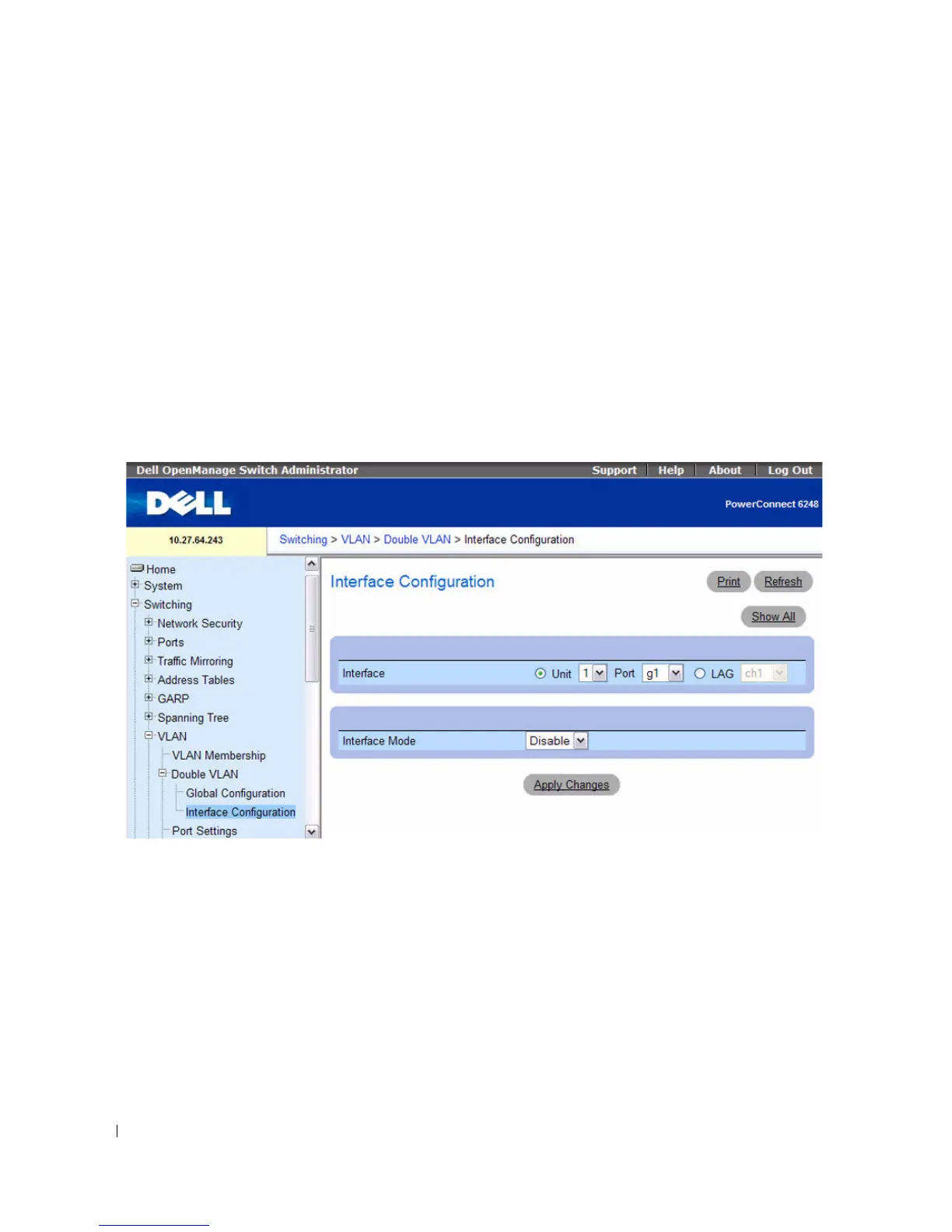
Use the Double VLAN Interface Configuration page to enable or disable Double VLAN mode on a
physical port or LAG.
To access the Double VLAN Interface Configuration page, click Switching > VLAN > Double VLAN
Interface Configuration from the navigation tree.
Figure 7-52. Double VLAN Interface Configuration



 To Next Page