436 Viewing Statistics and Remote Monitoring
Viewing RMON History Control Using the CLI Commands
For information about the CLI commands that perform this function, see the following chapter in the
CLI Reference Guide
:
• RMON Commands
RMON History Table
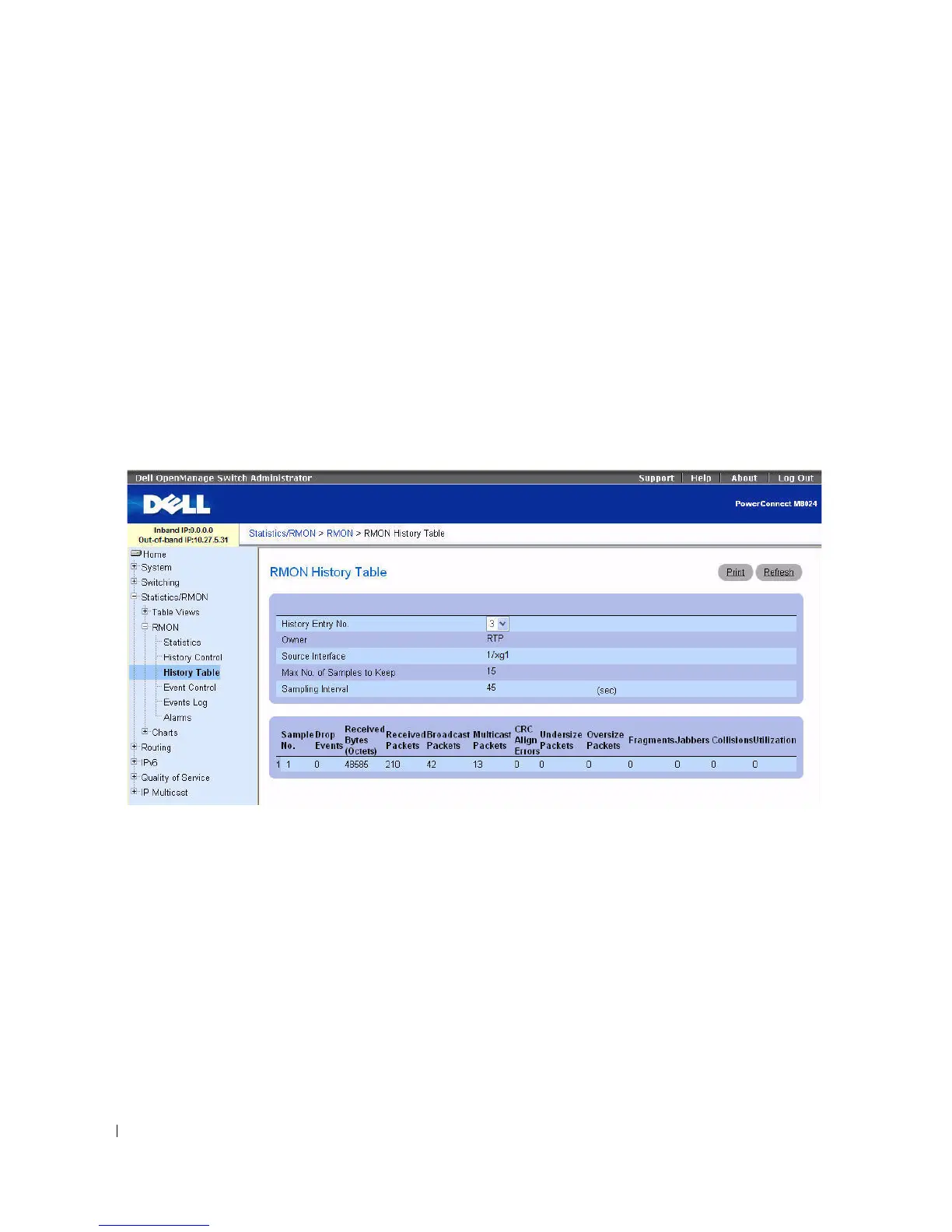
Use the RMON History Table page to display interface-specific statistical network samplings. Each table
entry represents all counter values compiled during a single sample.
To display the RMON History Table page, click Statistics/RMON > RMON > History Table in the
tree view.
Figure 8-11. RMON History Table
The RMON History Table page contains the following fields:
•
History Entry No.
— Selects the history entry number to display on the RMON
History Table
.
•
Owner
— Displays RMON statistics group owner name, if available.
•
Source Interface
— Indicates the Interface or LAG where the statistics are being collected.
•
Max No. of Samples to Keep
— Determines the length of the list in the History table for each History
Entry No.
•
Sampling Interval
— Sets the time in seconds between successive samples.
•
Sample No.
— Indicates the specific sample the information in the table reflects.



 To Next Page