Viewing Statistics and Remote Monitoring 435
Adding a History Control Entry
1.
Open the
RMON History Control
page.
2.
Click
Add
.
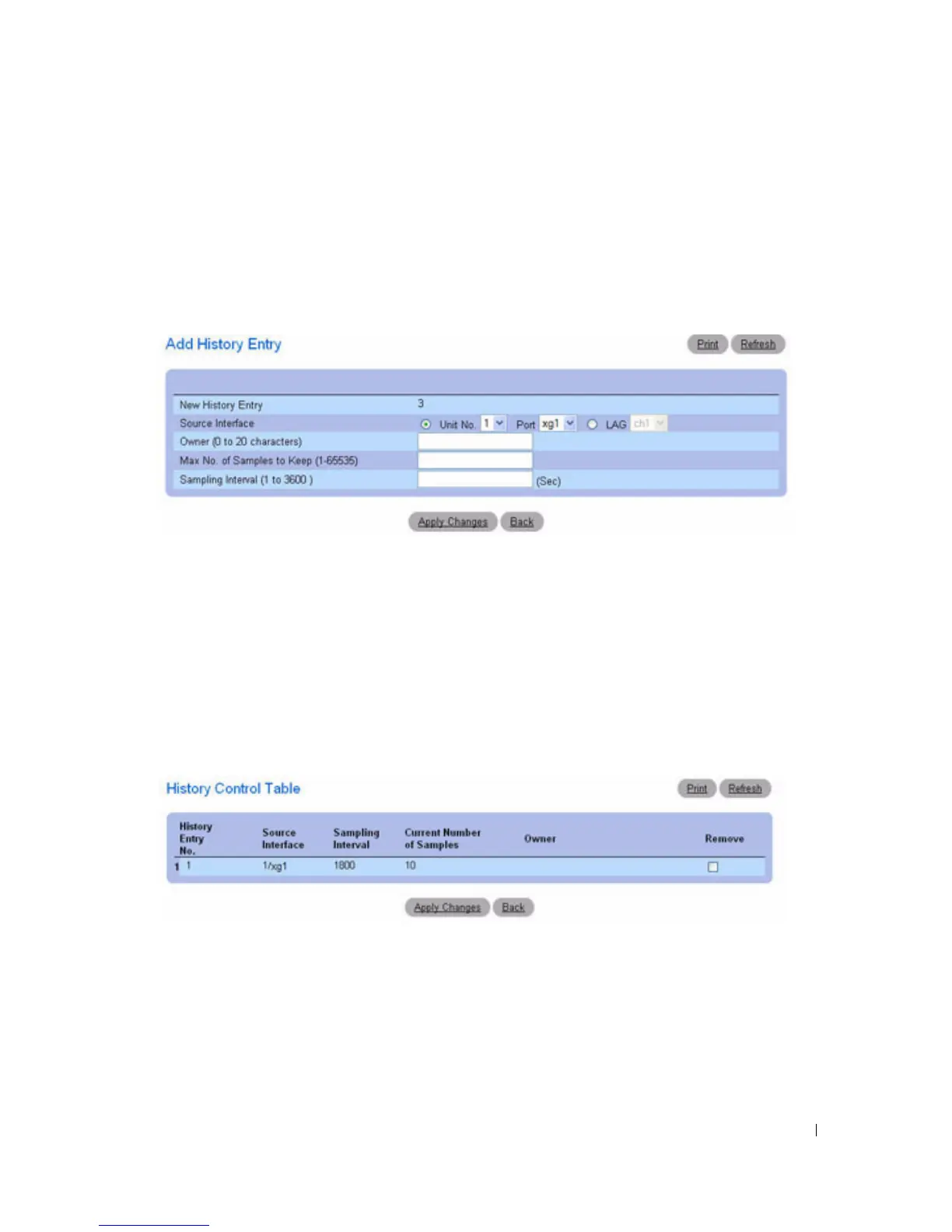
The
Add History Entry
page displays.
Figure 8-9. Add History Entry
3.
Complete the fields on this page and click
Apply Changes
.
The entry is added to the
RMON History Control Table
.
Displaying the RMON History Control Table
1.
Open the
RMON History Control
page.
2.
Click
Show All
.
The
RMON History Control Table
displays.
Figure 8-10. RMON History Control Table
Removing a History Control Table Entry
1.
Open the
RMON History Control
page.
2.
Select the
Remove
check box in the row of the history entry to remove.
3.
Click
Apply Changes
.
The table entry is removed, and the device is updated.



 To Next Page