444 Viewing Statistics and Remote Monitoring
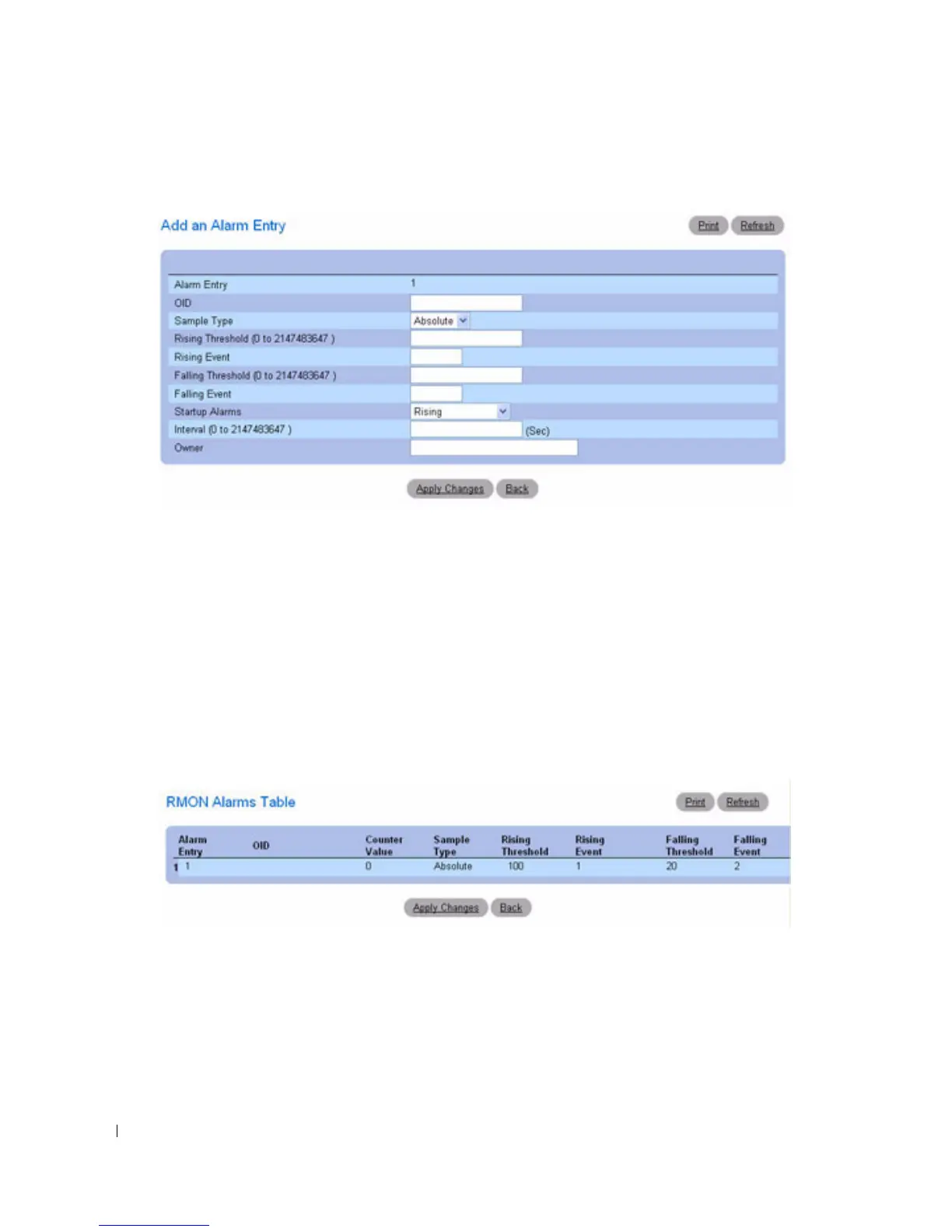
Figure 8-17. Add an Alarm Entry
3.
Complete the fields on this page as needed.
4.
Click
Apply Changes
.
The RMON alarm is added, and the device is updated.
Displaying the Alarm Table
1.
Open the
RMON Alarms
page.
2.
Click
Show All.
The left side of the
RMON Alarms Table
displays.
Figure 8-18. RMON Alarms Table
3.
Click the right arrow at the bottom of the screen to view the right side of the table.



 To Next Page