Configuring Routing 539
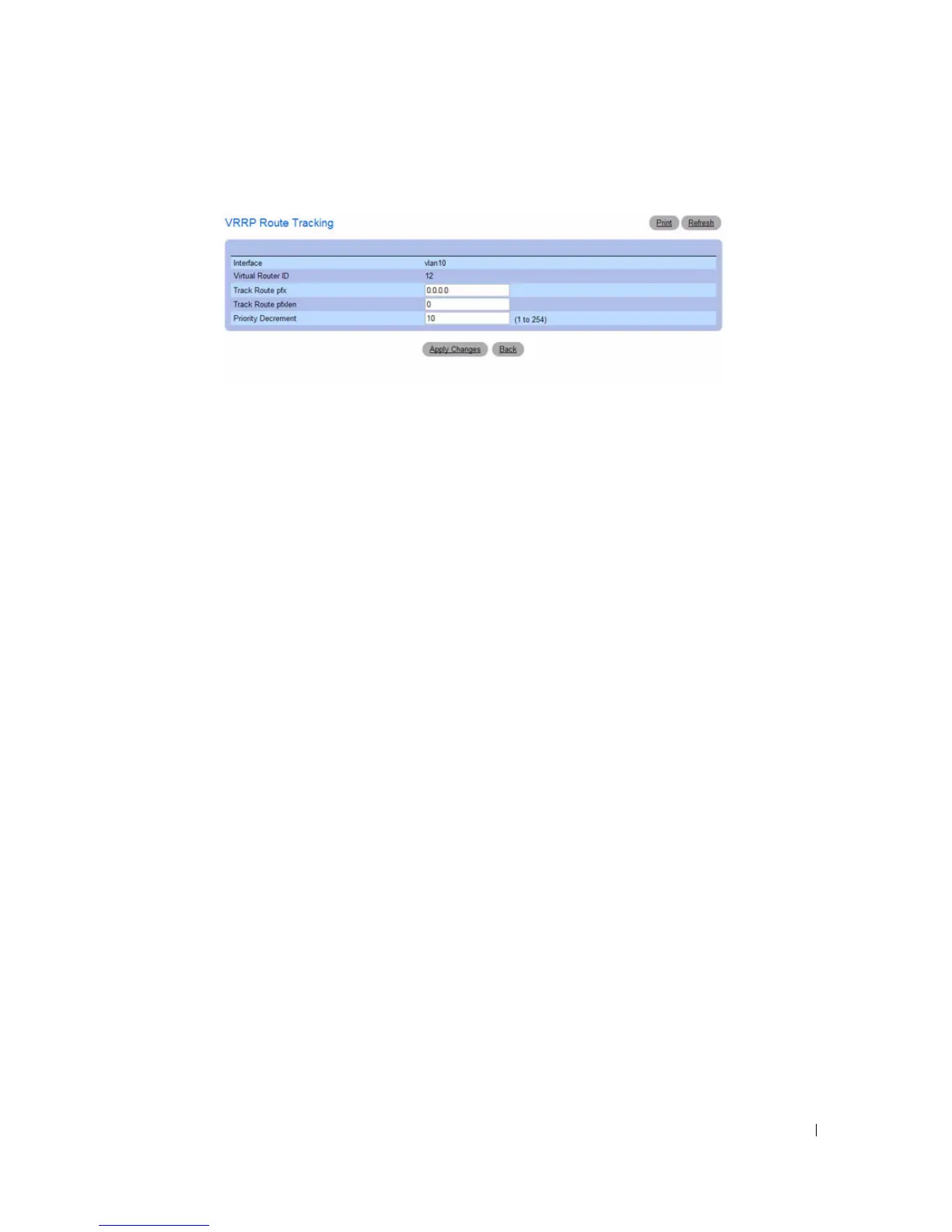
Figure 9-50. Add VRRP Route Tracking
4.
Complete the fields as necessary.
The
Add VRRP Route Trackin
g page contains the following fields.
•
Interface
— The interface associated with the Virtual Router ID.
•
Virtual Router ID
— The Virtual Router ID.
•
Track Route pfx
— Enter the destination prefix for the route to be tracked. Specify the prefix in
dotted decimal format, for example 192.168.10.0
•
Track Route pfxlen
— Enter the prefix length for the route to track.
•
Priority Decrement
— When a tracked route becomes unreachable, the priority decrement
specifies the amount that the router priority will be decreased. The valid range is 1 to 254. The
default value is 10.
5.
Click
Apply Changes
to update the switch.
Configuring a Virtual Router using the CLI Commands
For information about the CLI commands that perform this function, see the following chapter in the
CLI Reference Guide:
• Virtual Router Redundancy Protocol Commands



 To Next Page