556 Configuring Routing
Loopbacks Summary
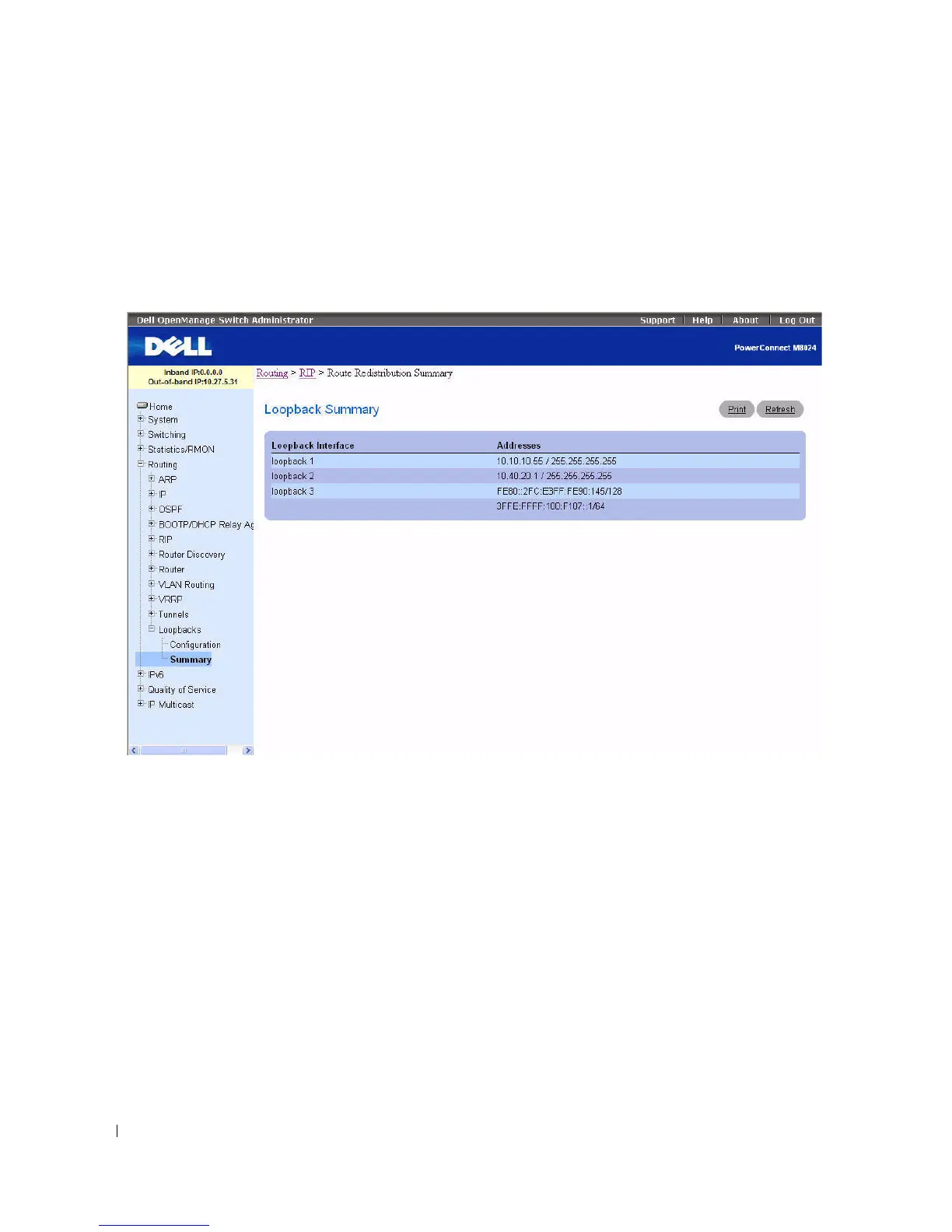
Use the Loopbacks Summary
page to display a summary of configured loopbacks.
To display the page, click Routing > Loopbacks > Summary in the tree view.
Figure 9-60. Loopbacks Summary
The Loopbacks Summary page displays the following fields:
•
Loopback Interface
— The ID of the configured loopback interface.
•
Addresses
— A list of the addresses configured on the loopback interface.
Displaying the Loopbacks Summary using the CLI Command
For information about the CLI command that performs this function, see the following chapter in the
CLI Reference Guide:
• Loopback Interface Commands



 To Next Page