Configuring IPv6 593
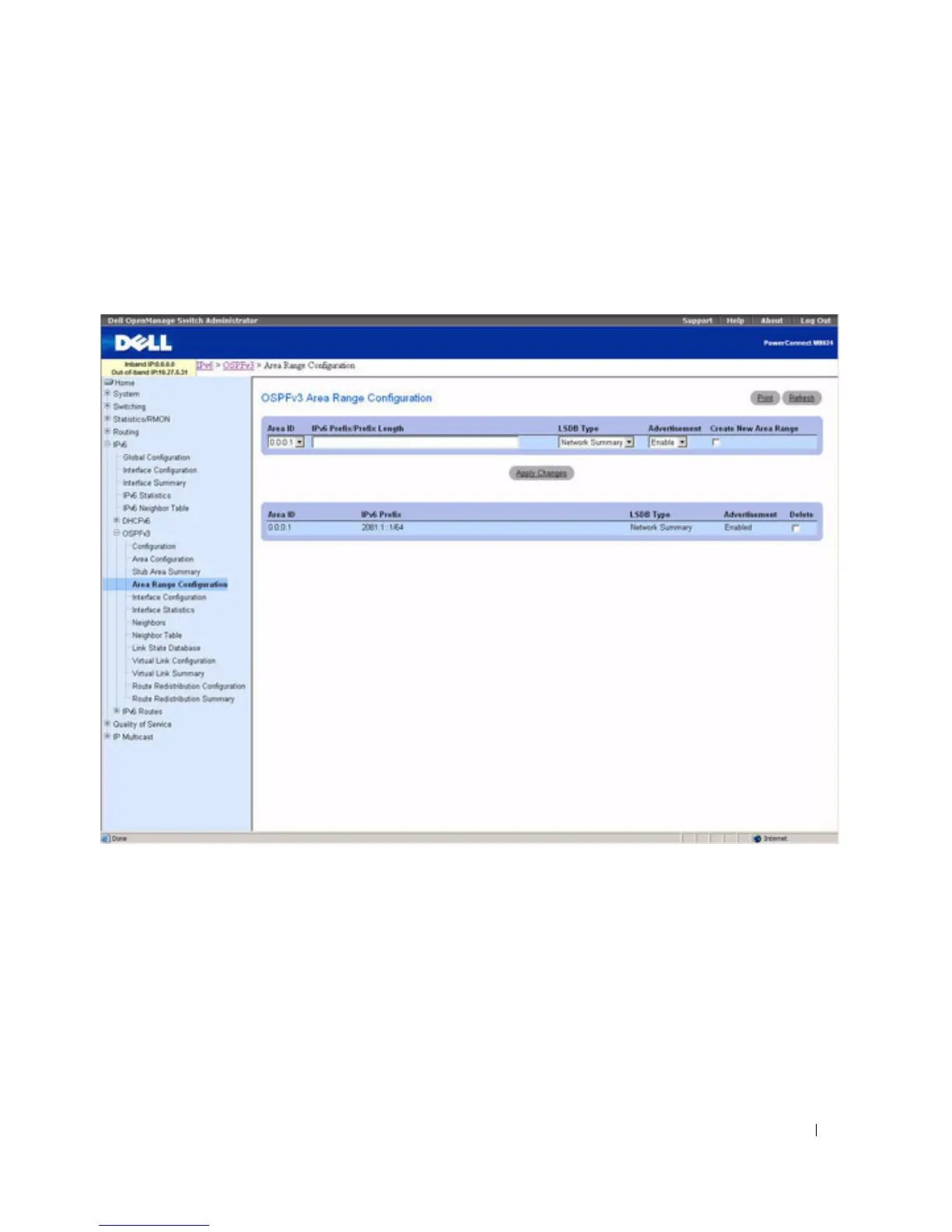
OSPFv3 Area Range Configuration
Use the OSPFv3 Area Range Configuration
page to configure OSPFv3 area ranges.
To display the page, click IPv6 > OSPFv3 > Area Range Configuration in the tree view.
Figure 10-22. OSPFv3 Area Range Configuration
The OSPFv3 Area Range Configuration page contains the following fields:
•
Area ID
— Selects the area for which data is to be configured.
•
IPv6 Prefix/Prefix Length
— Enter the IPv6 Prefix/Prefix Length for the address range for the selected
area.
•
LSDB Type
— Select the type of Link Advertisement associated with the specified area and address
range. The default type is Network Summary.
•
Advertisement
— Select Enable or Disable from the drop-down menu. If you selected Enable, the
address range is advertised outside the area through a Network Summary LSA. The default is Enable.



 To Next Page