58 Hardware Description
Table 4-2 contains the System Status LED definitions.
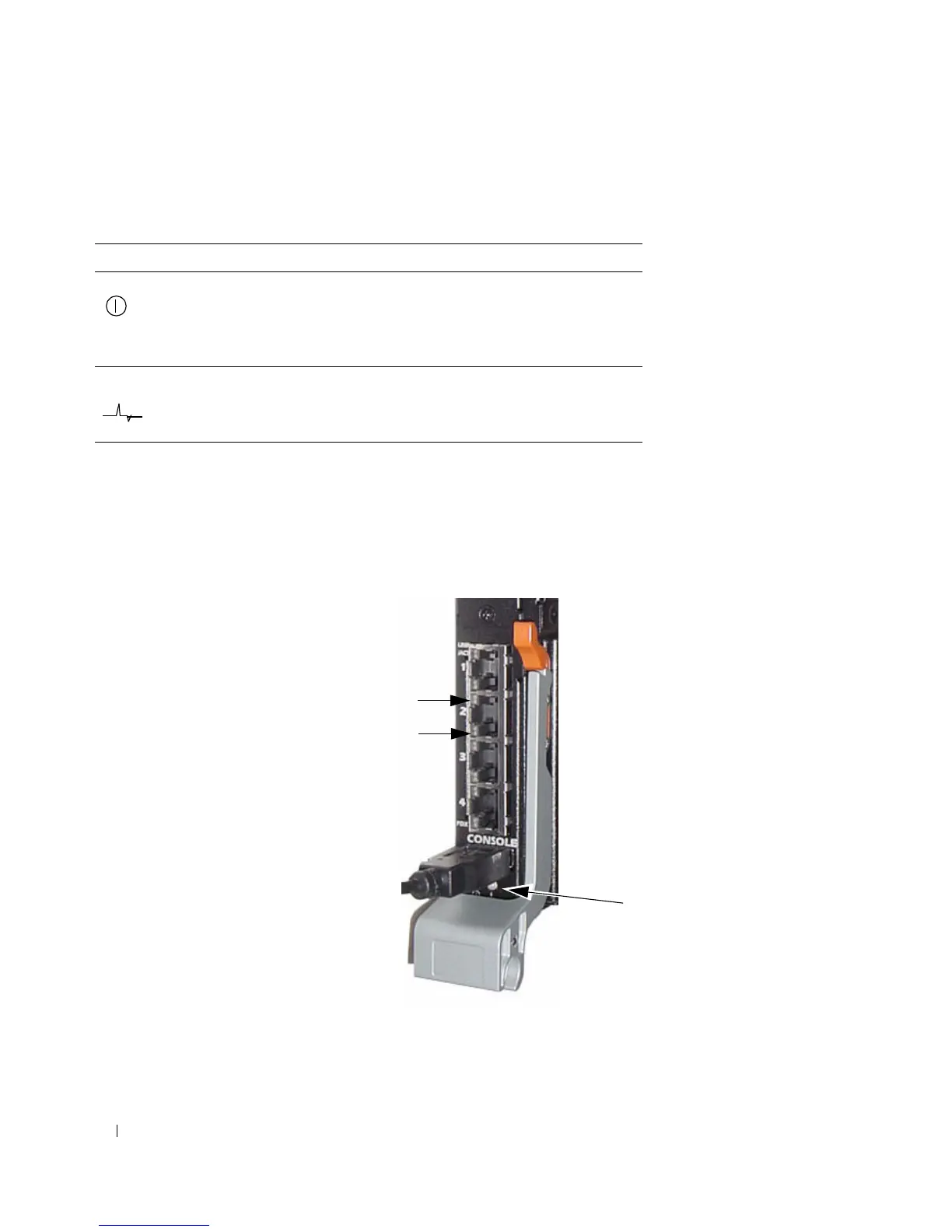
PowerConnect M6220 LEDs
The front panel contains light emitting diodes
(LEDs) that indicate the status of links for the built-in
1Gb ports and the system status.
Figure 4-8. Front Panel LEDs
Table 4-3 contains the System Status LED definitions.
Table 4-2. PowerConnect M8024 Power and Status LED Definitions
LED Color Definition
Green Power is being supplied to the
PowerConnect M8024 module
Off The PowerConnect M8024 does not have
power.
Blue The switch is operating normally.
Amber A fault has occurred, or the switch is
booting.
Link/Activity LED
Duplex LED
System Status
LEDs



 To Next Page