Configuring IP Multicast 655
Multicast Interface Configuration
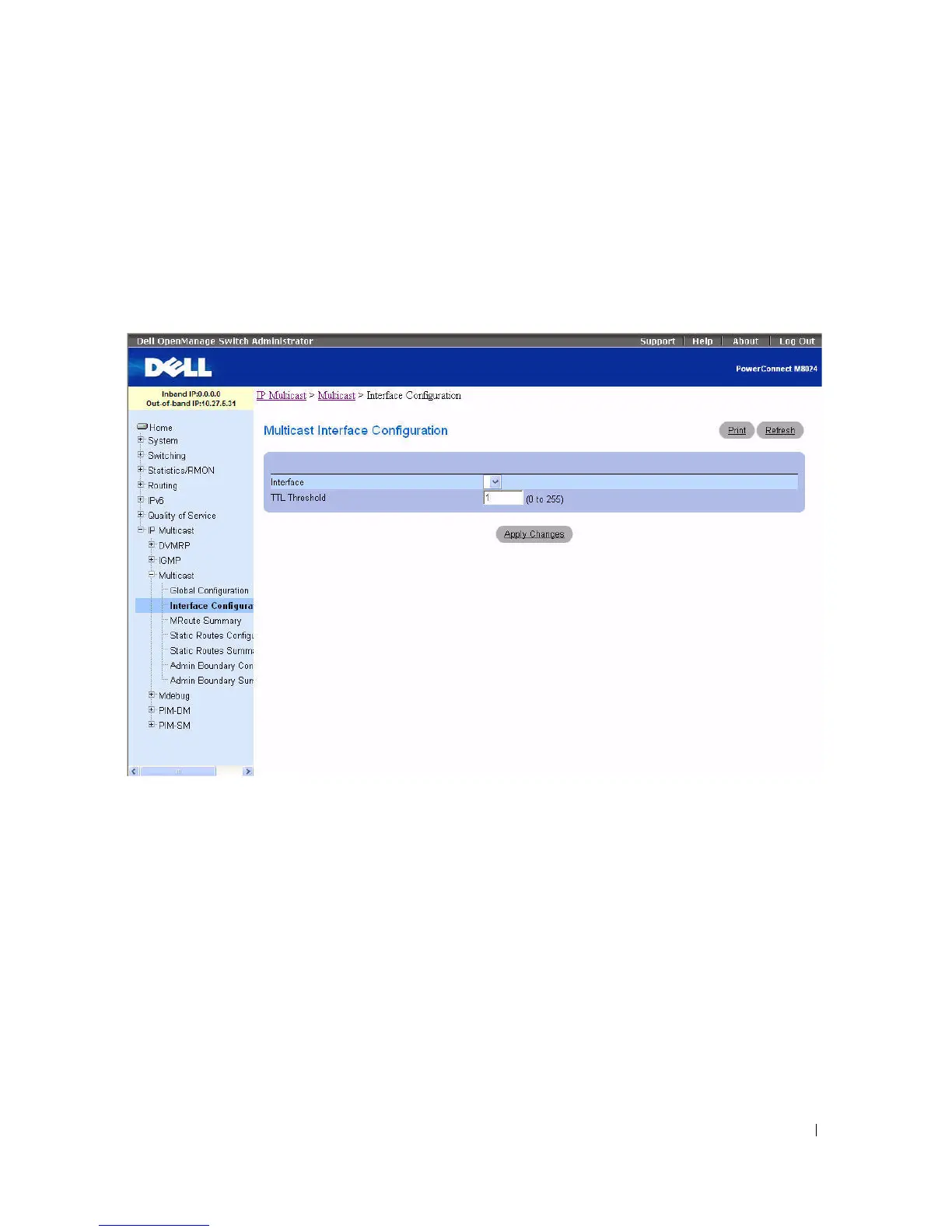
Use the Multicast Interface Configuration
page to configure the TTL threshold of a multicast interface.
You must configure at least one router interface before fields display on this page.
To display the page, click IP Multicast > Multicast > Interface Configuration in the tree view.
Figure 12-2. Multicast Interface Configuration
The Multicast Interface Configuration page contains the following fields:
•
Interface
— Select the routing interface you want to configure from the drop-down menu.
•
TTL Threshold
— Enter the TTL threshold below which a multicast data packet is not forwarded
from the selected interface. Enter a number between 0 and 255. If you enter 0, all multicast packets for
the selected interface are forwarded. You must configure at least one router interface to see this field.
Configuring a Multicast Interface
1.
Open the
Multicast Interface Configuration
page.
2.
Select the interface to configure from the
Interface
drop-down menu.
3.
Enter the desired
TTL Threshold
.
4.
Click
Apply Changes
.
The multicast interface configuration is saved, and the device is updated.



 To Next Page