656 Configuring IP Multicast
Configuring a Multicast Interface using the CLI Command
For information about the CLI command that performs this function, see the following chapter in the
CLI Reference Guide:
• Multicast Commands
Multicast Mroute Summary
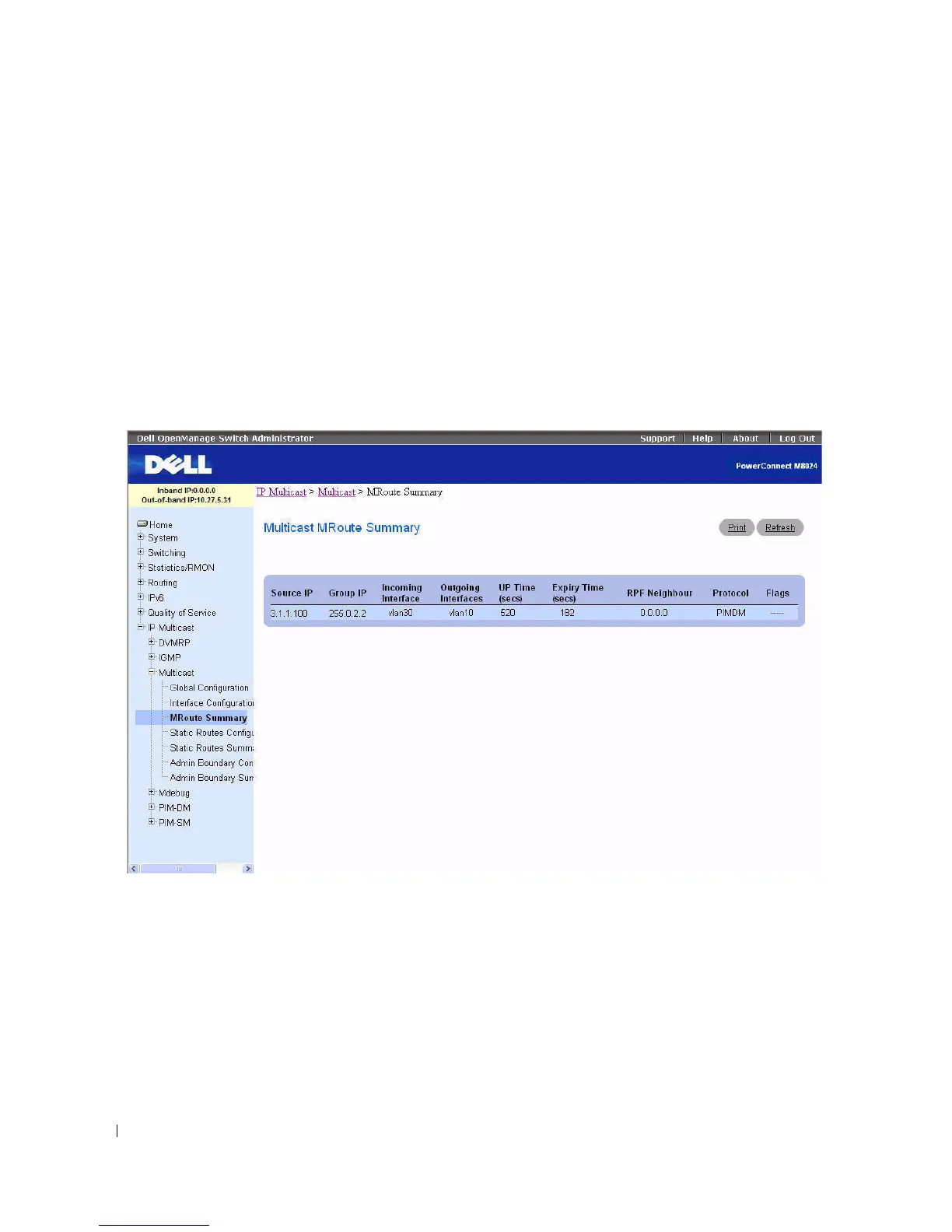
Use the Multicast Mroute Summary
page to display MRoute data.
To display the page, click IP Multicast > Multicast > MRoute Summary in the tree view.
Figure 12-3. Multicast Mroute Summary
The Multicast Mroute Summary page displays the following fields:
•
Source IP
— The IP address of the multicast packet source that, combined with the Group IP,
identifies an Mroute table entry.
•
Group IP
— The destination group IP address.
•
Incoming Interface
— The incoming interface on which multicast packets for this source/group arrive.
•
Outgoing Interfaces
— The list of outgoing interfaces on which multicast packets for this
source/group are forwarded.
•
Up Time (secs)
— The time in seconds since the entry was created.



 To Next Page