Chapter 4 Connect the Front End
118 Storage Center SC8000 Controller Deployment Guide
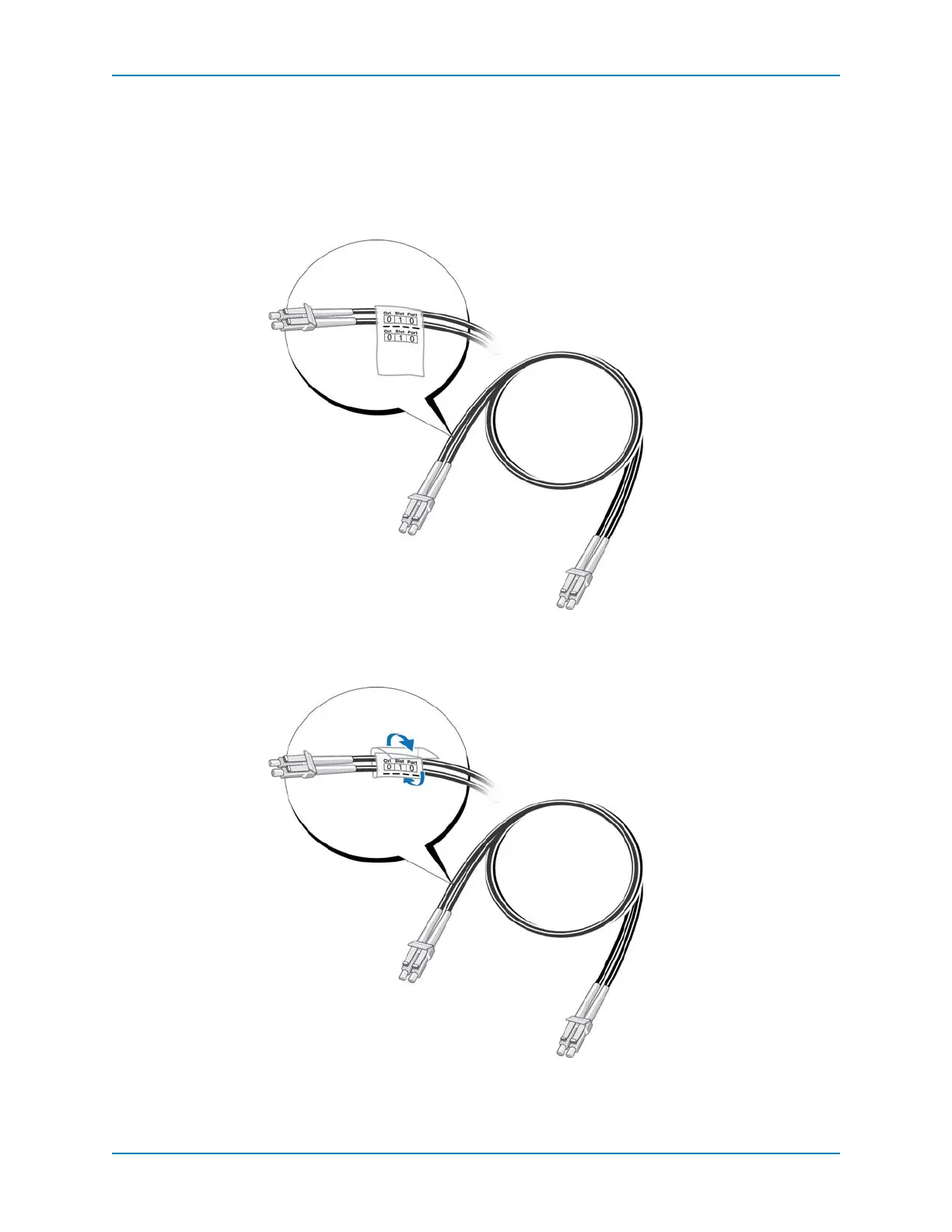
3 ApplycablelabelstobothendsofeachFCcablethatconnectsacontrollerafront‐end
fabricorserver.
a Preparetwolabelsbywritingthecontrollernumber,slot,andportthatthecableis
connectedto.
b Neartheconnector,alignthedottedlineonthelabelwiththeedge
ofthecableand
affixitstartingwiththetopedgeofthelabel.
Figure 103. Align Cable Label
c Wrapthelabelaroundthecableuntilitfullyencirclesthecable.Thebottomofeach
pre‐madelabelisclearsothatitdoesnotobscurethetext.
Figure 104. Wrap Cable Label
d Applyamatchinglabeltotheother
endofthecable.



 To Next Page