ECI Multi Functional Weighing Controller Operating Manual
Page 102
Back-up
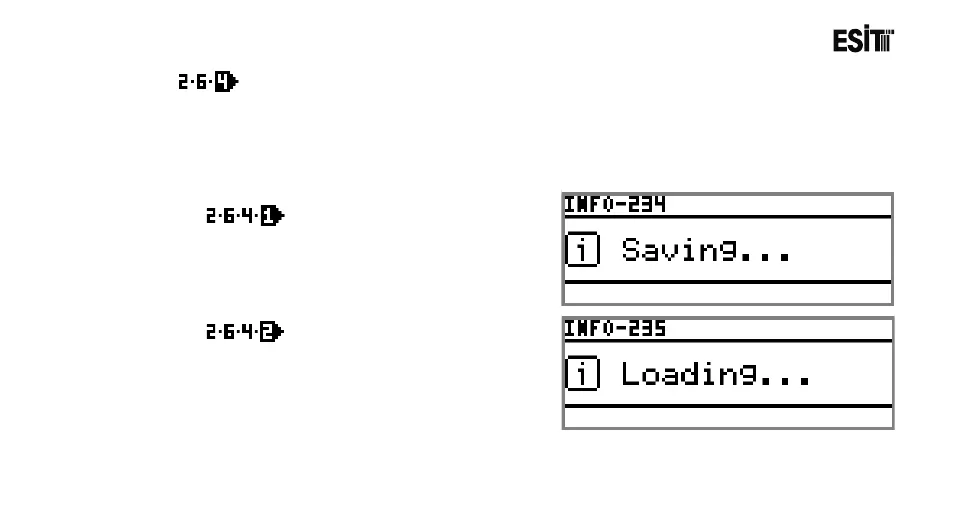
The Weighing settings and calibration information on ECI can be backed-up to the "Load Cell
Module" in Slot 2. Thus, the previous weighing settings can be recovered anytime by making Back-up
> Recovery operation. Furthermore the "Load Cell Module" which contains the back-up can be
inserted to another ECI and the weighing setting and calibration data can be transferred to another
device by making Back-up > Recovery operation.
Back-up
The Weighing settings and calibration
information saved on ECI are backed-up to the
"Load Cell Module".
Recover
The Weighing settings and calibration
information saved on the "Load Cell Module"
are transferred to ECI.



 To Next Page