ECI Multi Functional Weighing Controller Operating Manual
Page 53
7.1 Program Selection
ECI, supports more than one operating screens (programs) (such as "Weighing," Batching", "Filling" etc).
Operating screen selection is made when the first energy is given to the device. After giving the first energy, when
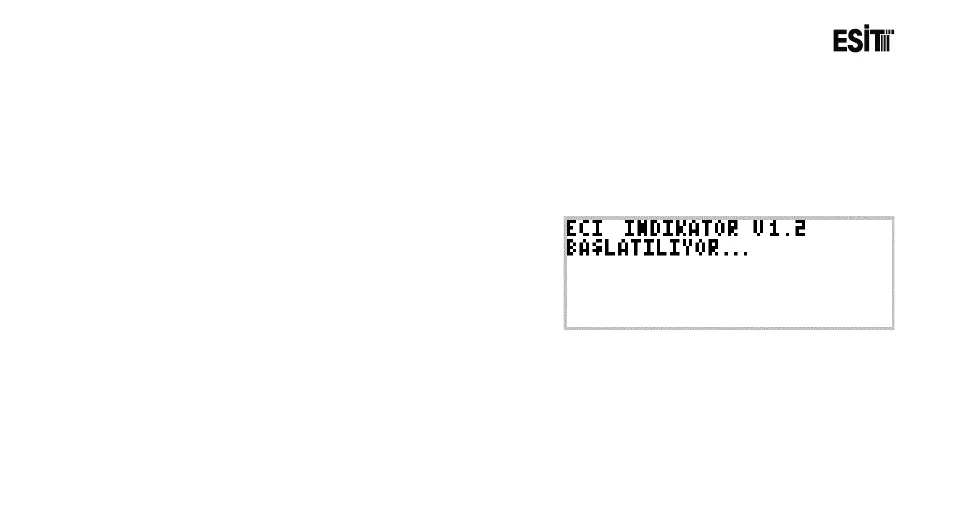
the following screenshot appears, the 1. and 3. keys from the left are pushed together
7.1.1 Start-up Screen
The desired program is selected from "Select Program"
menu appeared. Related screenshot is shown below.



 To Next Page