ECI Multi Functional Weighing Controller Operating Manual
Page 97
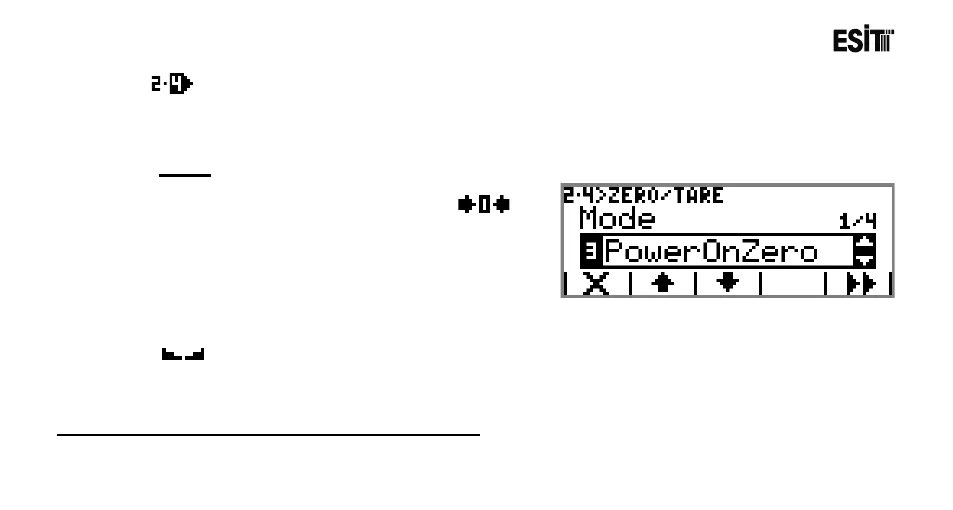
Zero/Tare
It is the menu where the zeroing and taring are made. This menu is an ordered type menu. The
sub*menus are "Mode", "Zero Limit", "Starting Zero" and "Stagnancy".
Mode
The options are;
1) Manuel: Zeroing is only made by using
key.
2) Zero Monitoring: The shifts in the weight value
are zeroed as long as the gross value is zero.
3) Start-up: The option of zeroing at start-up. It
operates with the % ratio selected in "Start-up Zero"
menu. Zero monitoring is also active.
4) Auto-Zeroing: It is the full automatic zeroing option. Start-up is also active. In case of stagnancy (
), the screen is resetted in the % ratio as selected in "Zero Limit" menu once in every 3 seconds.
Note: Zero Monitoring operates only in Indication program.



 To Next Page