ECI Multi Functional Weighing Controller Operating Manual
Page 192
Start-up Setting
It is an ordered type menu that contains the start-up settings for the batching program.The sub-menus are the
Silo Number,Scale Capacity, Automatic Shot,Zero Stripe, Recipe Tolerance and RecipeComp.
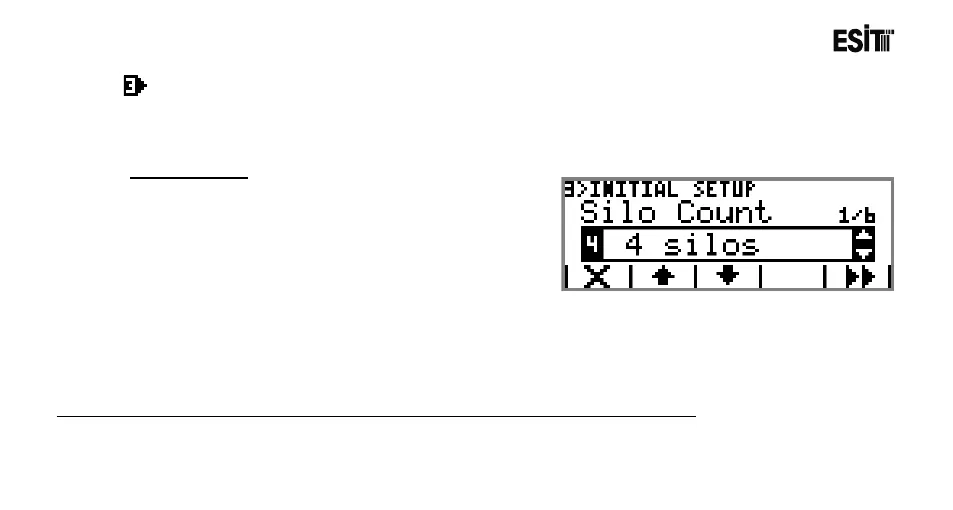
Silo Number
It is used for identifying the number of silos in the system.
The options are;
1) 1
2) 2
3) 3
4) .
5) .
6) .
F)15
G)16
Note: If there is not -MDL-EXP Module in Slot 6, 4 silo, 5 silo,.....16 silo options are locked.



 To Next Page