ECI Multi Functional Weighing Controller Operating Manual
Page 72
Remote Display(In Indication and Filling Programs)
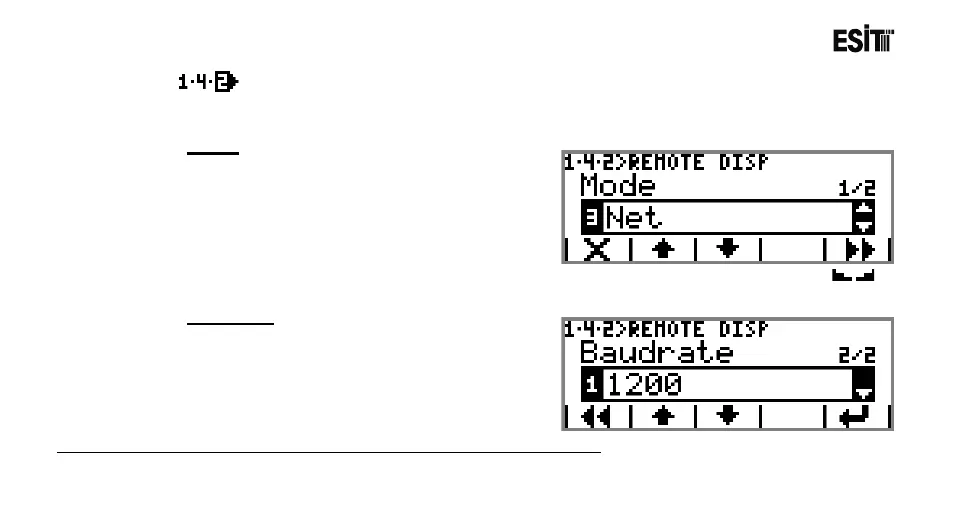
It is the section that contains the remote display out (opto-coupler) settings. This menu is an ordered
type menu. Sub-menus are Mode and Baudrate.
Mode
The options are;
1) Inactive: No data transfer can be made to the
remote display.
2) Gross: Gross value is sent to the remote
display.
3) Net: Net value is sent to the remote display.
4) Stable-Net: The "Net" value is sent to the remote display when the Stagnancy indicator( ) is
active.
Baudrate
It is the selection for remote display
communication speed. The options are;
1) 1200
2) 2400
3) 4800
4) 9600
Not: The Baudrate menu is not displayed when "Inactivate" mode is selected



 To Next Page