ECI Multi Functional Weighing Controller Operating Manual
Page 85
7.3.2 Weighing Menu
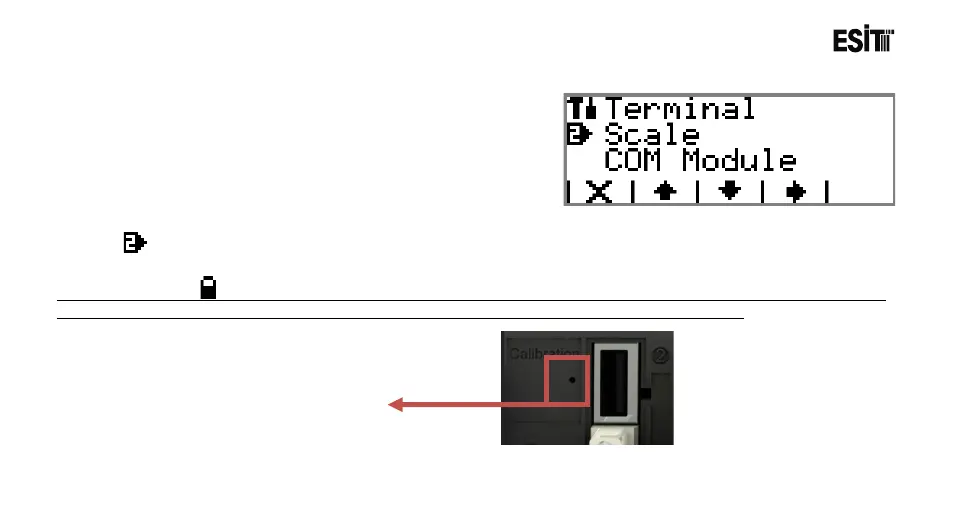
The menus related to the weighing module inserted to slot 2
of the device are displayed under this menu.
Weighing
It is the menu that contains weighing device (Slot2-Load Cell Module) parameters.
Note: If the symbol presents in any of the sub-menus of the Weighing menu, then the menu cannot be accessible.
In such case, it is necessary to press the calibration case to activate in order to access the menu.



 To Next Page