ECI Multi Functional Weighing Controller Operating Manual
Page 33
6.1.1 Screen Layout
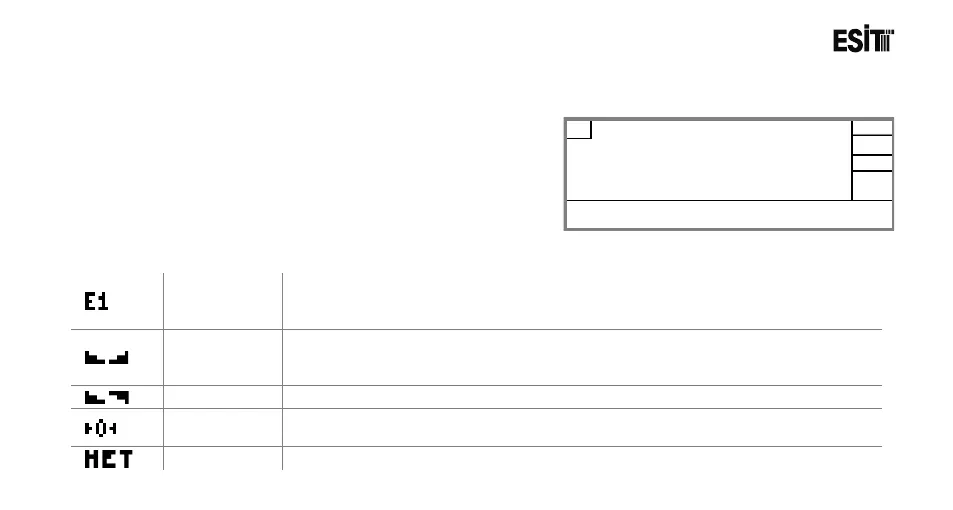
6.1.2 Symbols
Weighing
Range
Indicates current weighing range. It is displayed when the measuring type is
selected as “Multi Partition” or “Multi Range”. E1: Lower Zone, E2: Upper Zone
and E3 represents the final zone.
Stagnancy
Shows that the change in the weight value is within the stagnancy limits for a
certain period
(less than a one scale interval).
Shows that the change in the weight value is out of the stagnancy limits.
Indicates that deviation from zero is less than 1/4e (resolution).
Shows that the tare has been removed and the displayed value is the net value.



 To Next Page