ECI Multi Functional Weighing Controller Operating Manual
Page 237
Control setting
It is the menu where the filling control settings are made.
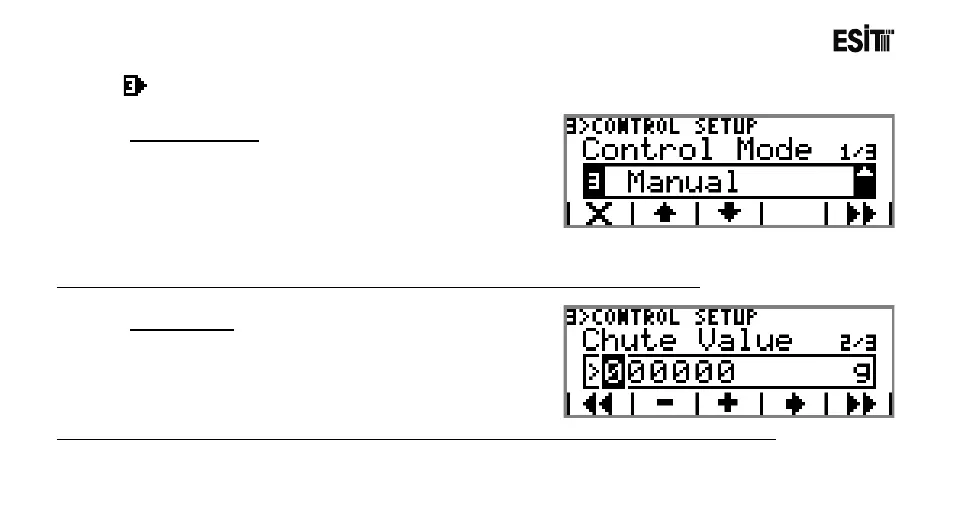
Control Mode
The options are;
1) Full Automatic: Sensitive Quantity ve Shot Value are
calculated automatically.
2) Auto Shot: Shot Value is calculated automatically.
3) Manuel:Sensitive Quantity ve Shot Value are
determined by the user.
Note:Full Automatic option is not displayed when "Quick" is selected in the "Feeding Menu"
Shot Value
When the screen value approaches to the Target Value
with the value stated here,the filling stops.
Note:This menu is not displayed if "Auto Shot" or "Full Automatic" is selected in "Control Mode" menu.



 To Next Page