ECI Multi Functional Weighing Controller Operating Manual
Page 227
12.6 Using the Filling Menu
Product Setting
It is the menu where the product settings are made.
FILL 01
It is the menu where the settings related to Product 1 are made. This menu is an ordered type menu.
Sub-menus are Product Name, Target Value, Lower Tolerance, Upper Tolerance, Minimum Tare and
Maximum Tare.
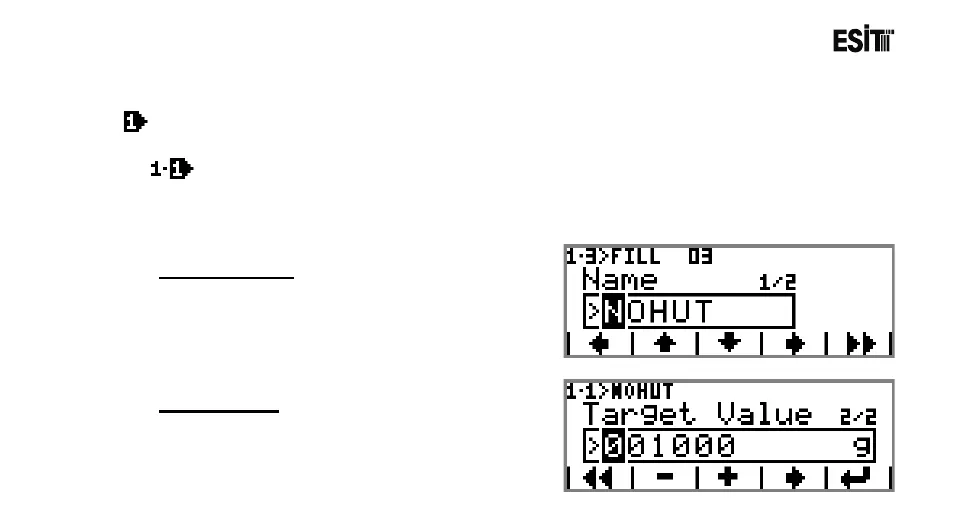
Product Name
Product name is set.
Target Value
The quantity intended for filling is set.



 To Next Page