ECI Multi Functional Weighing Controller Operating Manual
Page 157
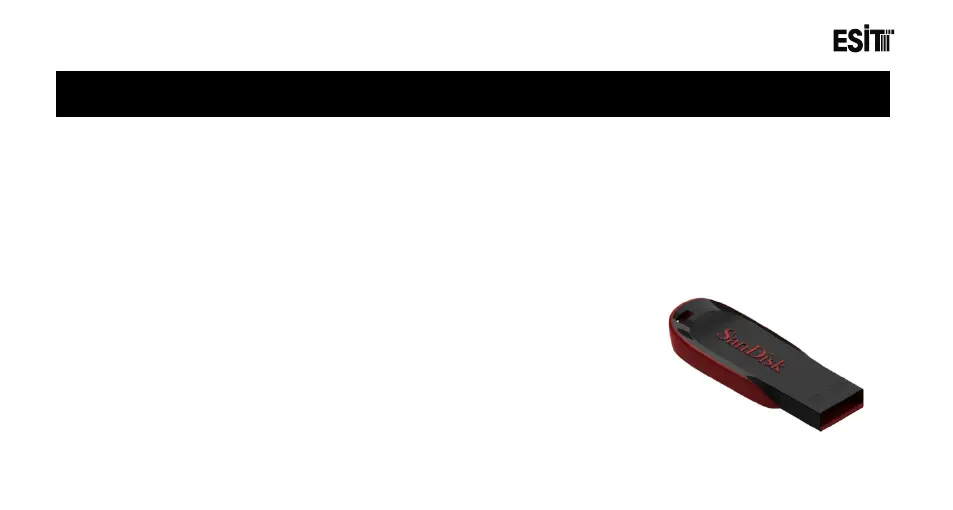
EECI, provides software update support by using USB disk.
Warning: You may lose your existing settings after the device software update. Thus please review the changes
brought by the update carefully and store/note old settings if necessary. The outputs (Relay, input etc) connected to
the device may behave different as the routine operation of the device will be disabled during the software update.
Thus it is recommended to disconnect or shutdown the connectors connected to the device.
The following steps must be followed in order for the software update;
1) The "image.s19" file to be installed is transferred to an USB disk that
is formatted as FAT32.



 To Next Page