ECI Multi Functional Weighing Controller Operating Manual
Page 153
8.4 Zero Calibration
The following operations must be performed respectively for the zero calibration.
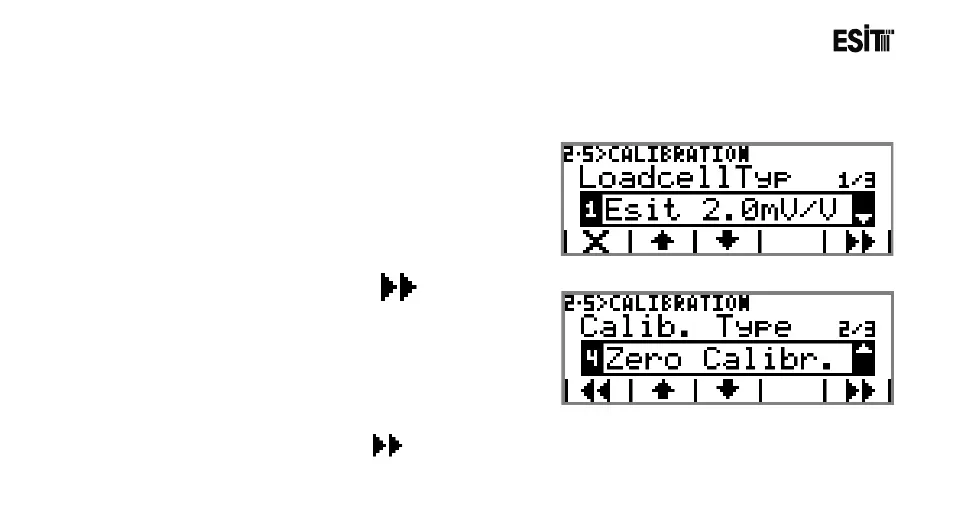
1. It is entered to menu 2.5 for the zero calibration.
2. Load cell type is selected. The options are;
1) Esit(2 mV/V)
2) 2.5mV/V
3) 5.0mV/V
4) 10.0mV/V
5) 20.0mV/V
6) 160.0mV/V
3. For entering to Calibration Type menu key is pressed.
“Zero Calibration” is selected as the calibration type.
The options are;
1) Load Calibration
2) mV/V Calibration
3) Coefficient Calibration
4) Zero Calibration
4. For proceeding to the zeroing screen key is pressed.



 To Next Page