ECI Multi Functional Weighing Controller Operating Manual
Page 224
12.4 Filling Program Status Messages
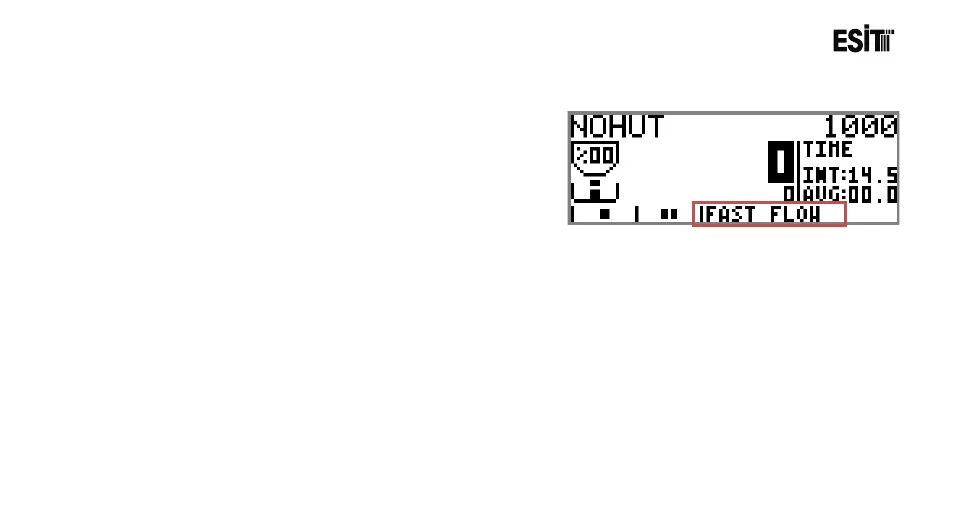
During the filling operation, information on the operation
is displayed on the screen. The messages displayed and their
explanations are stated below.
: Awaiting Ready Signal for the discharging operation.
: Taring operation is being performed.
: Filling cannot be started as the weight is lower than the "Minimum Tare" value.
: Filling cannot be started as the weight is higher than the "Maximum Tare" value.
: Start. Awaiting delay period.
: Quick Filling in progress
: Awaiting Multiplication Period
: Slow Filling in progress.
: Awaiting stagnancy for finishing the filling operation
: Awaiting the lapse of the period entered to DischargeDelay menu.
: Discharging in progress.
: Filling operation is completed
: Discharge operation is completed
: The filling has been paused temporarily as pause key is pressed.



 To Next Page