ECI Multi Functional Weighing Controller Operating Manual
Page 39
6.3 Change Parameter Screen (Numeric or Alpha-Numeric Entry
Type)
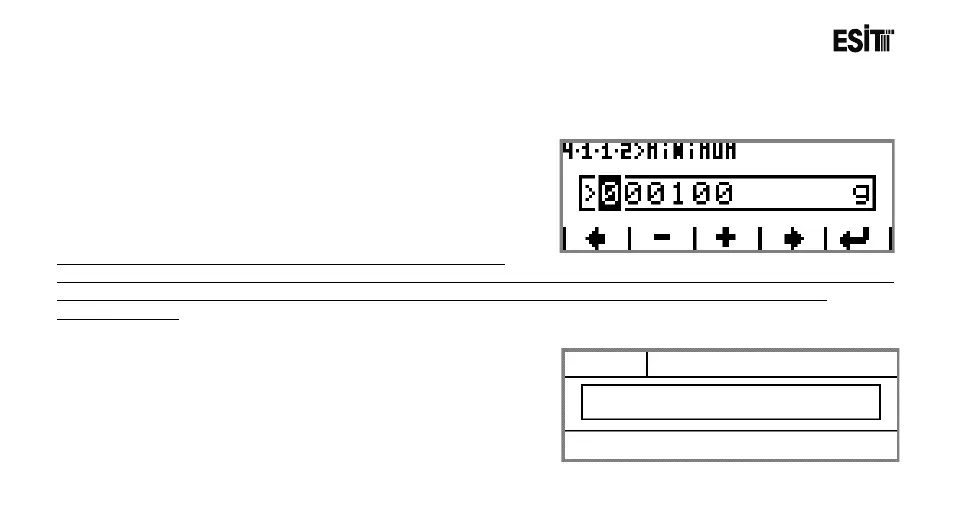
The change parameter screen will be displayed as shown
at side:
Note: The values entred in the screen must the multiplies of the
“Resolution” parameter. For example if the ”Resolution” is selected as 5 and the value entered in this screen is 101, an
information message appears and the number is automatically rounded to 100 and returned to the parameter
changing screen.
6.3.1 Screen Layout



 To Next Page