ECI Multi Functional Weighing Controller Operating Manual
Page 232
Start-up Setting
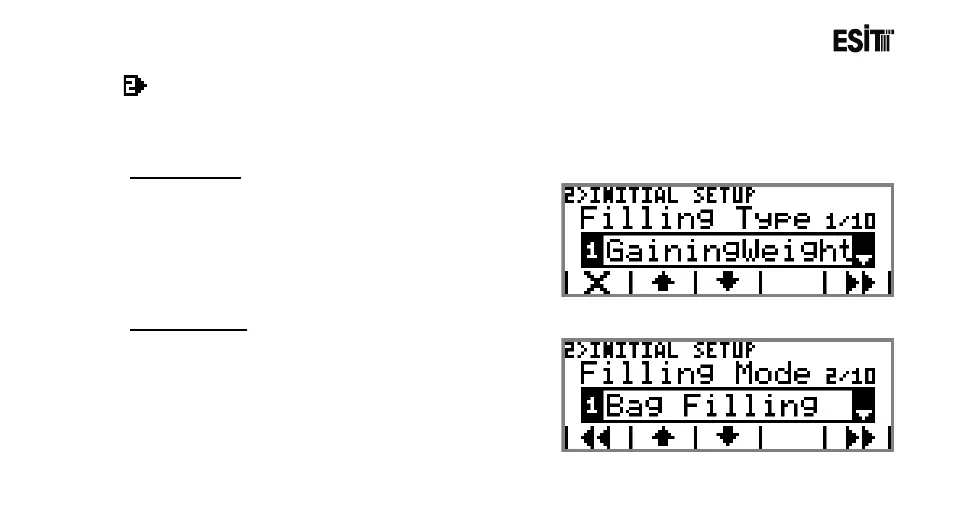
It is the menu for the start-up settings of the filling program. This menu is an ordered type menu. Sub-menus
are Filling Type, Filling Mode, Feeding Mode, Quick Feeding, Auto Tare, Zero Zone, Tolerance Control, Tare
Control ve UserLev.
Filling Type
The options are;
1) Increasing Weighing: It is the filling system in
which the load cell is connected to the scale to be
filled.
2) Descending Weighing: It is the filling system in
which the load cell is connected to the silo.
Filling Mode
The options are;
1) Bag Filling: The good in the silo is filled to the bag
under control.
2) Scale Filling: Filling is made primarily into the scale.
Then it is transferred to the bag.



 To Next Page