ECI Multi Functional Weighing Controller Operating Manual
Page 43
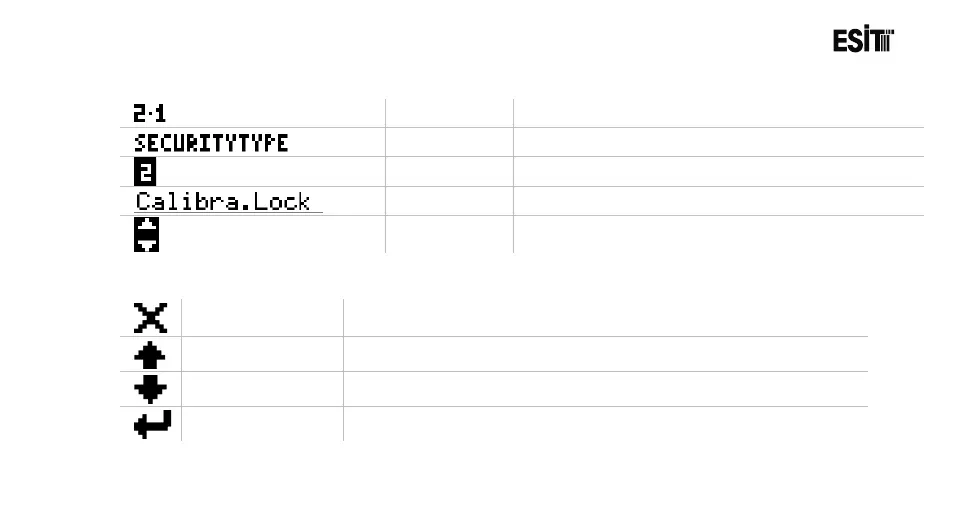
6.4.2 Symbols
Menu No
Respective menu number.
Menu Title
Name of the respective parameter.
Option No
Number of the parameter option.
Option
Explanation of the respective parameter option.
Arrow
Shows if there is any option above or below the
selection list
6.4.3 Keys
Exit Key.
Used for returning to the menu screen from the parameter settings
screen
Up Arrow Key
Used for browsing among the options in the selection list.
Down Arrow Key
Used for browsing among the options in the selection list.
Enter Key
Used for conforming the value selected.



 To Next Page