ECI Multi Functional Weighing Controller Operating Manual
Page 211
11.6.4 Identifying the Batching System to the Device
Sample Application:
Assume that we have 3 silos and;
Silo 1: Coffee
Silo 2: Sugar
Silo 3: Cream
.
First of all the number of silos in the systems and the silo names are identified in the system. For this
operation at the main screen, batching menu key is pressed and entered to the batching menu.
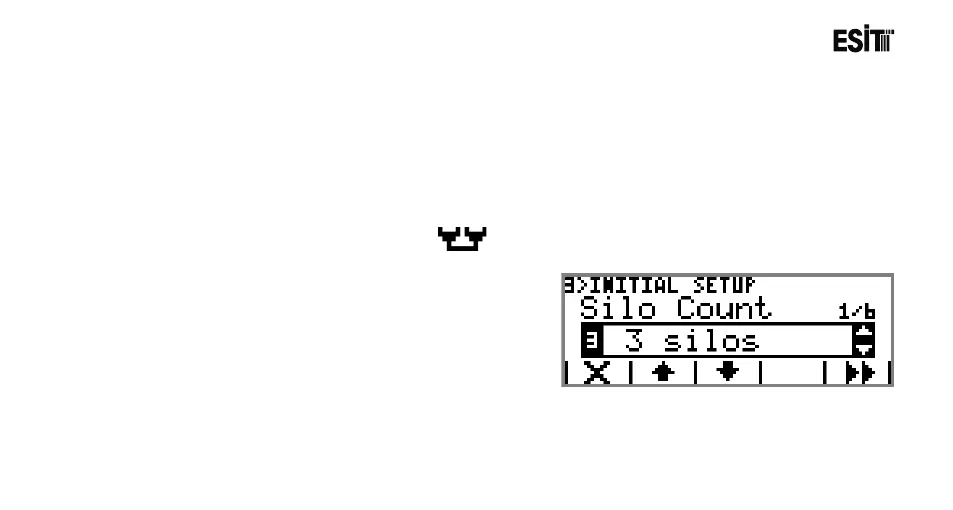
1) The number of silos are identified;
Let's select 3 from the selection list appeared in the "Silo
Number" menu with the number 3 for identifying the
number of silos.



 To Next Page