ECI Multi Functional Weighing Controller Operating Manual
Page 94
Filter
It is the menu where the filter settings are made. This menu is an ordered type menu. The sub-menus are
"Mode", "AverageQuantity", "Speed", "Vibration" and "Stability Period".
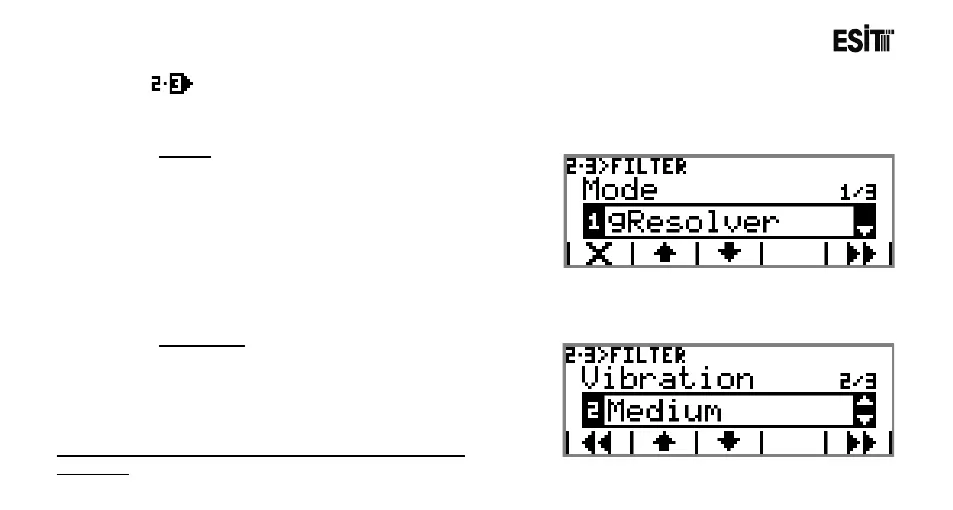
Mode
It is the filter mode selection. The options are;
1) Gresolver: It is the advanced numerical filtering
option. The input signal is processed through
advanced mathematical functions and gives rapid and
stable results.
2) Moving Average: It is the standard numerical
filtering option. Moving average method is used.
3) No Filter: No filter is applied.
Vibration
It is the selection for the vibration intensity in the
environment. The options are;
1) Low
2) Medium
3) High
Note: When Moving Average is selected no "Vibration" is
displayed.



 To Next Page