ECI Multi Functional Weighing Controller Operating Manual
Page 186
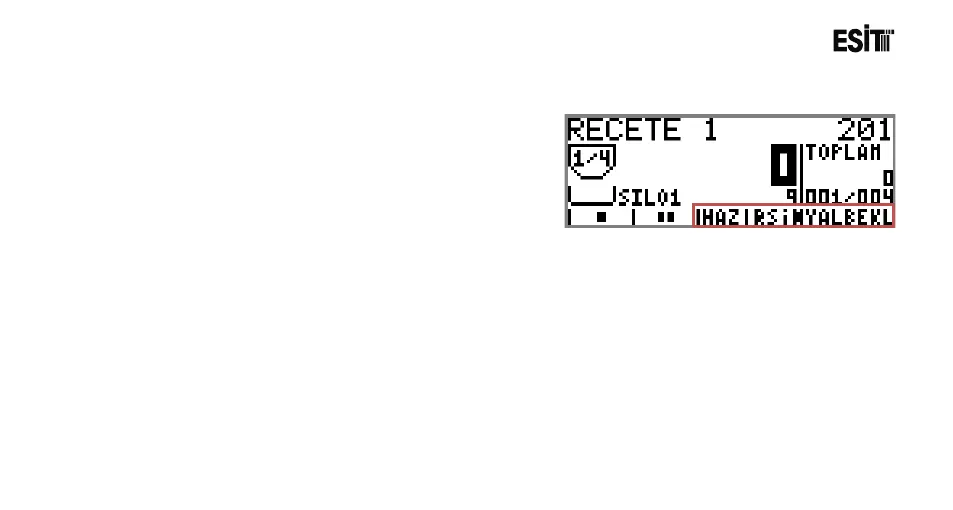
11.3 Batching Program Status Messages
During the batching operation status messages are
displayed at the bottom of the screen. The messages displayed and their
explanations are stated below.
The Filling operation Started
Quick Filling in progress
Slow Filling in progress.
Awaiting stability for the operation completion.
Awaiting input signal for starting the discharging operation.
Filling operation is completed
Proceeded to the next silo
Awaiting input signal for starting the filling operation.
Scale capacity value is exceeded.
The filling has been paused temporarily as pause key is pressed.



 To Next Page