ECI Multi Functional Weighing Controller Operating Manual
Page 44
6.5 Ordered Menu Screen
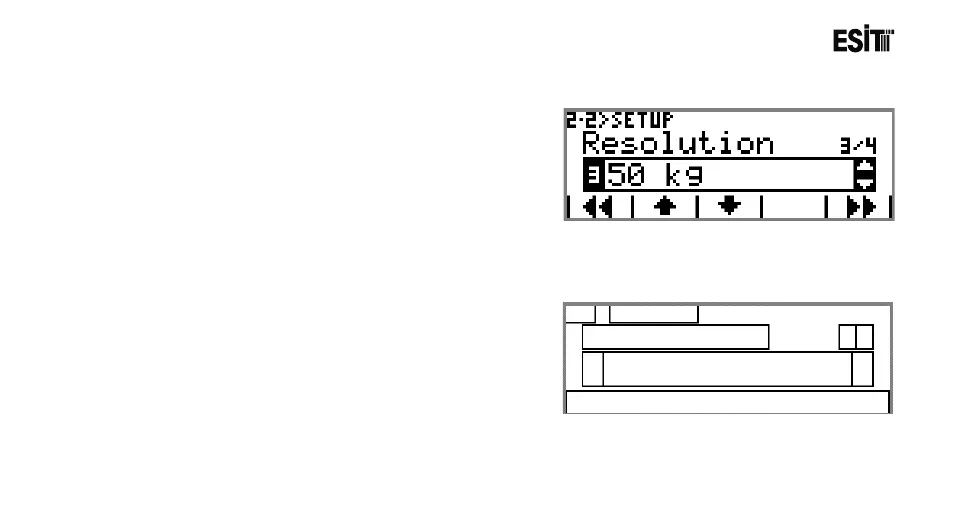
Ordered menu is made for providing convenience in the menus
with more than one sub-menu. For example, there are Unit,
Capacity, Resolution and Measuring Type sub-menus in the
Settings menu under the Weighing menu. When you enter this
menu, you can change every parameter related to the weighing
setting subsequently. The ordered menu screenshot will be as
sown at side
6.5.1 Screen Layout



 To Next Page