ECI Multi Functional Weighing Controller Operating Manual
Page 198
Printer Settings
It is the menu where the printer settings are made.
Line Selections
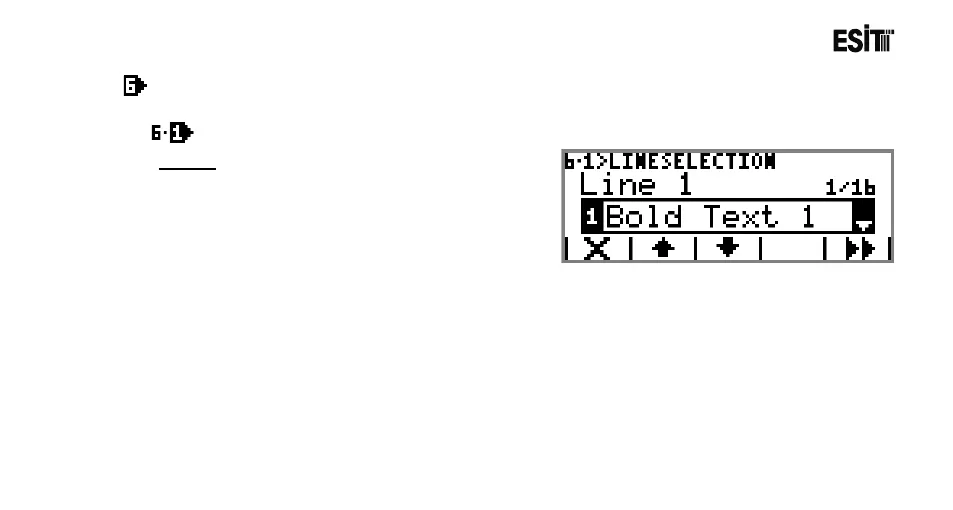
Line 1
The data intended to be printed in line 1 is selected
The options are;
1) Bold Text 1: In Line 1 Bold Text 1 template is
printed.
2) Bold Text 2: In Line 1 Bold Text 2 template is printed.
3) Text 1: In Line 1 Text 1 template is printed.
4) Text 2: In Line 1 Text 2 template is printed.
5) Text 3: In Line 1 Text 3 template is printed.
6) Text 4: In Line 1 Text 4 template is printed.
7) Text 5: In Line 1 Text 5 template is printed.
8) Text 6: In Line 1 Text 6 template is printed.
9) Recipe Name: In Line 1 The Recipe Name batched is printed.
10) Silo Values: In Line 1 the silo quantity for last filled is printed.
11) Meter Value:In line 1 the batching number is printed.
12) Date Time: In Line 1 Date/Time info is printed.



 To Next Page