ECI Multi Functional Weighing Controller Operating Manual
Page 251
12.7.3 Identifying the Filling System to the Device
Sample Application:
Let's make the sample application with Bag Filling, Increasing Weighing (Different Application Samples
No:1). Assume that the material to be filled is RICE. Make make the total filling quantity 1000g in double speed
and last 50 g be slow filling.
Primarily it is necessary to make the Start-up Settings (system settings). In order to do this, it is entered to the
filling menu by pressing key on the main screen.
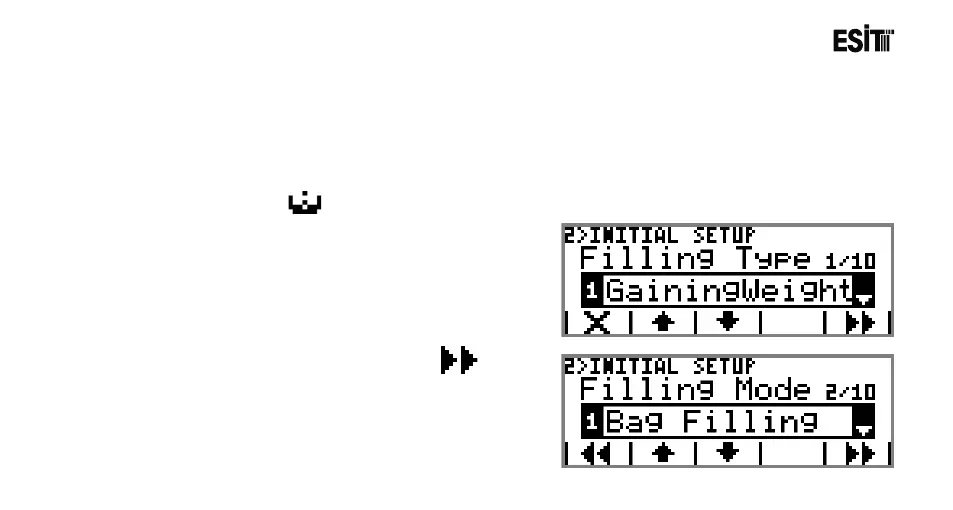
1) Enter “Start-up Setting” menu;
Select "Increasing Weighing" from the selection list of the
Filling Type sub-menu.
2) Proceed to the next sub-menu by pressing key.
Select Bag Filling from the selection list of the Filling Mode
sub-menu.



 To Next Page