ECI Multi Functional Weighing Controller Operating Manual
Page 223
12.3.2 Keys
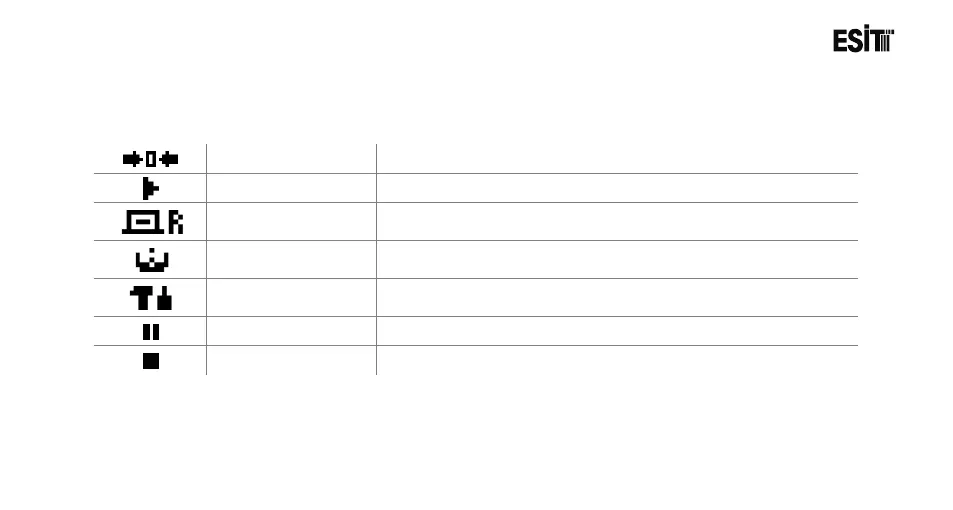
Reset Key
Used for resetting the display.
Start Key
Starts filling operation.
It is used for selecting product for the filling operation.
Filling Menu Key
It is used for bringing the menu where the settings related to the
filling are made.
Setting Menu Key
Used for bringing the menu screen where the device settings are
made.
Pause Key
Used for pausing the operation during the filling.
Stop Key
It is used for terminating the filling operation.



 To Next Page