ECI Multi Functional Weighing Controller Operating Manual
Page 154
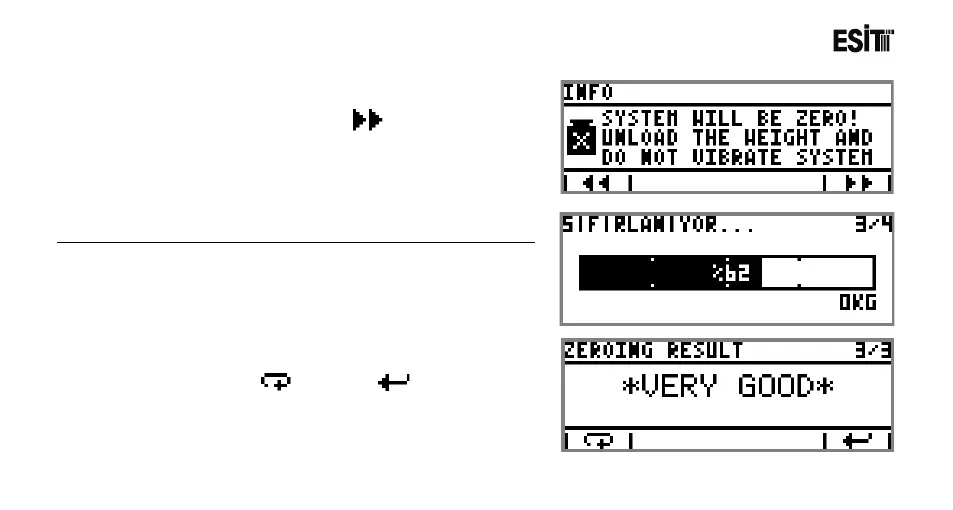
5. Weighing platform is emptied and Key is pressed for
starting the zeroing operation.
The screen shown at side is displayed during the zeroing operation.
6. After the zeroing operation finishes, the result of the zeroing
will be displayed on the screen. If you want to repeat the
zeroing operation press key. Press key to continue.



 To Next Page