ECI Multi Functional Weighing Controller Operating Manual
Page 84
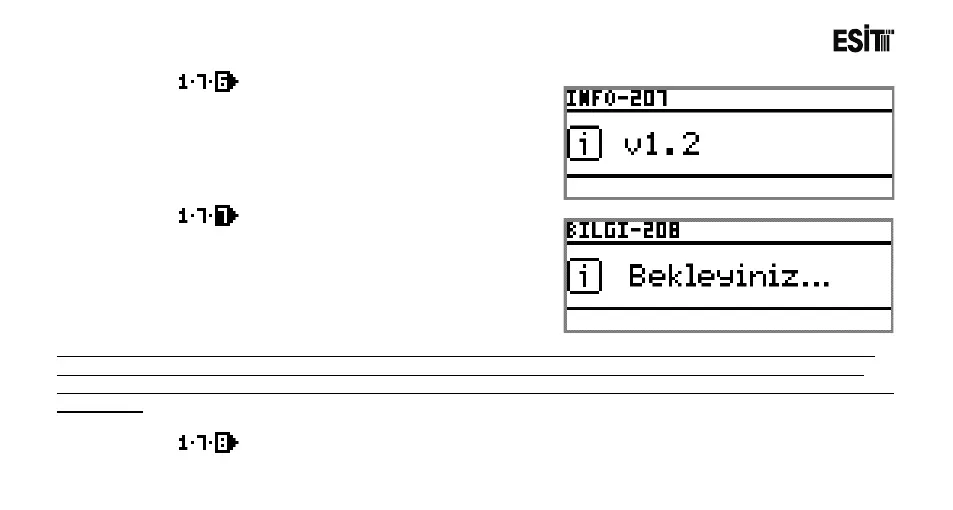
Version No
Used for displaying the device version number.
FactorySettings
Used for returning the device parameters to the
Factory settings.
Note: The device can also be returned to the factory settings by pressing to the calibration key for 10 seconds while
the device is at the main screen. The warning screen appearing later on will display that the factory settings will be
returned and sound warning is given. The factory settings will be returned when it is pressed for an additional period of
25 seconds.
Restart
Used for restarting the device.



 To Next Page