ECI Multi Functional Weighing Controller Operating Manual
Page 244
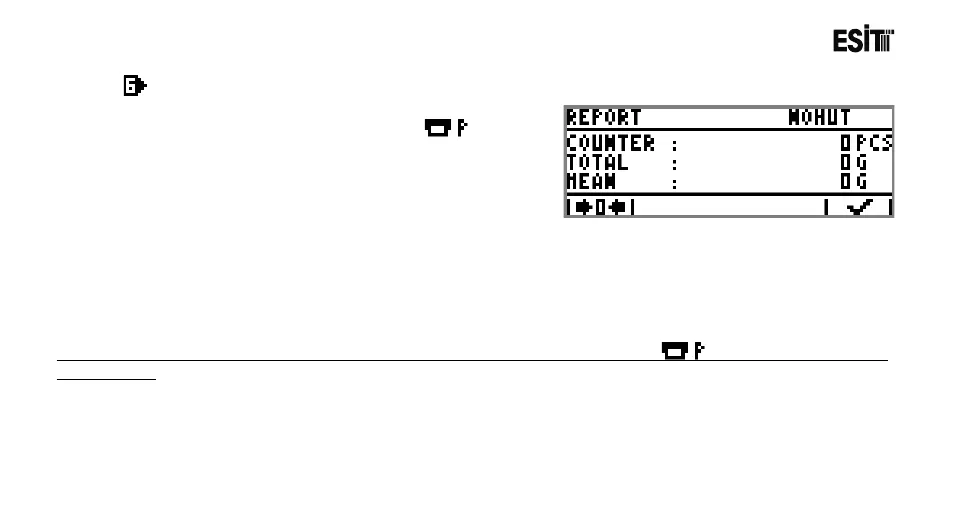
Report
METER, TOTAL and AVERAGE values can be displayed.
These values can be resetted if requested. Key is
used for manual printing at the report screen.
METER: Total number of filling. Resets when the product is changed and the device is restarted.
TOTAL: Total quantity of the filling.
AVERAGE: Average quantity of the filling.
Note: If the "Printer" option is not selected in Terminal Serial Output Mode menu, the key is not displayed in the
report screen.



 To Next Page