Service Manual_AVA1_ENG-20220922_I 113
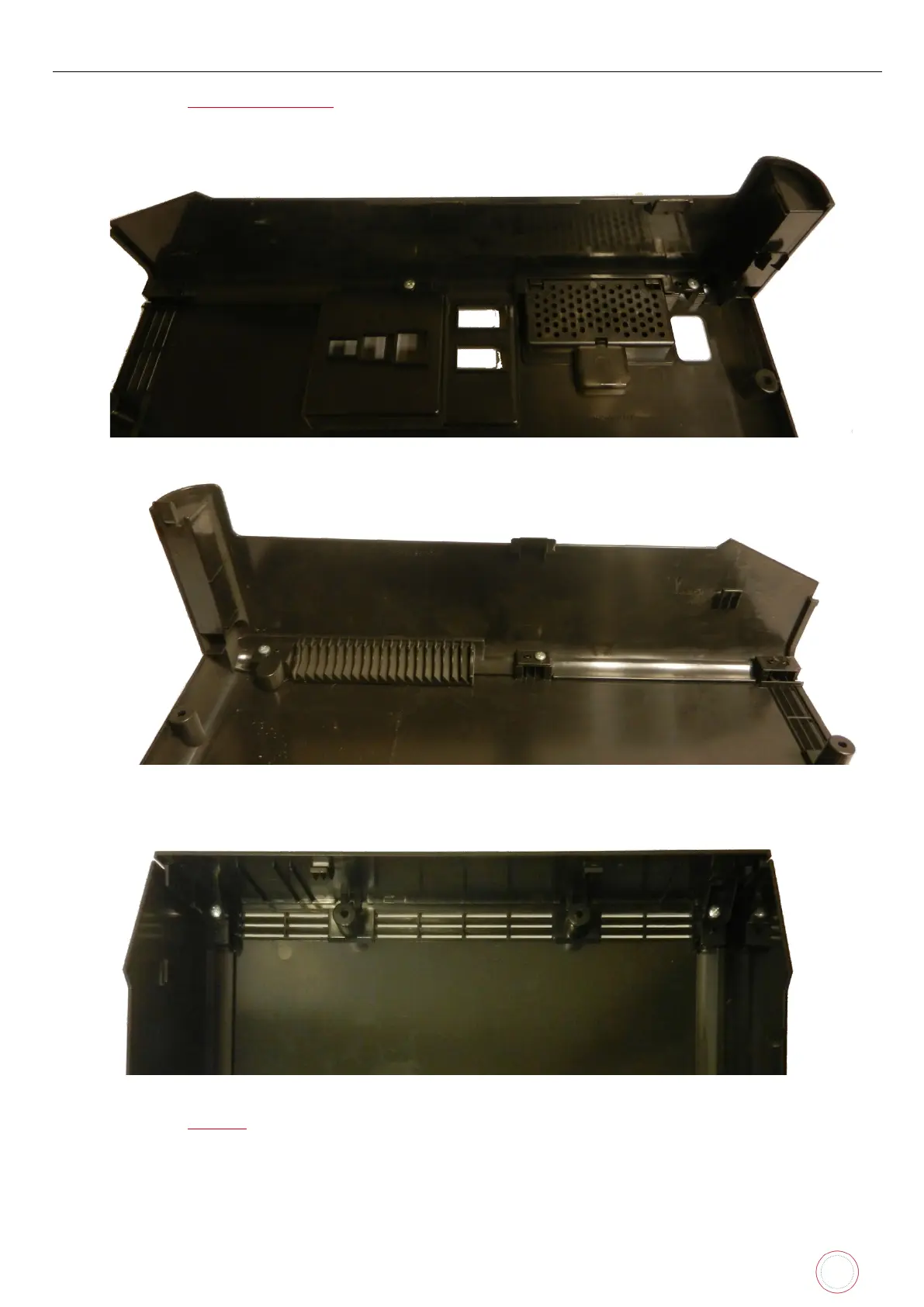
Step 3 – REAR SIDE COVER - LEFT AND RIGHT – CP011785 – CP011786
1. Carry out Step 1-1 to Step 1-2 (page 110
).
2. Put the new rear side cover (left or right) back in place and put the screws back.
3. Put the rear top cover and its screws back.
4. Carry out Step 1-1 (page 110
) in reverse.



 To Next Page