Setup
Power Blazer 243
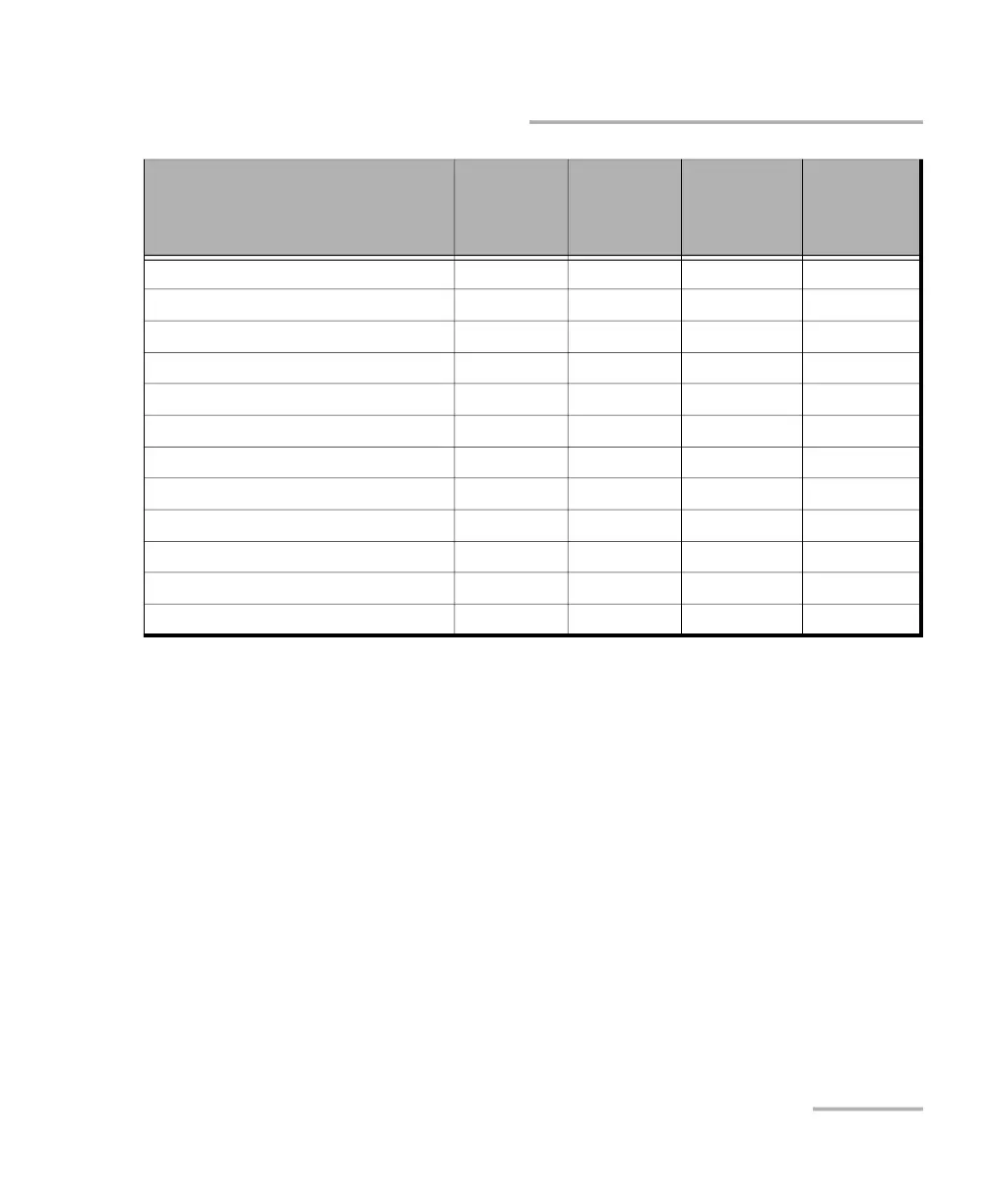
CFP/OSFP/QSFP/SFP
Wavelength - - - X
Applications Advertisement
c
- - X -
Mode X X X X
Reach / Cable Length
d
- - X -
Power Class X X X X
Temperature (Actual/Max)
e
X X X X
Lane Ratio Type X - - -
Host Lane Signal Spec - X - -
WDM Type X X - -
Signal Code - Modulation - X - -
Signal Code - Coding - X - -
CLEI Code X X X -
a. Also displays (Tunable) for transceivers having the tunable capability.
b. Not available with DCO BERT, replaced by Applications Advertisement.
c. Only available with DCO BERT (QSFP-DD and OSFP). When this information is available, using the View
button gives access to the following information for each application code: Host Interface, Media
Interface, Host Lane Count, Media Lane Count, Host Lane Assignment, and Media Lane
Assignment. The highlighted row identifies the currently active application.
d. Only available when Applications Advertisement is reported.
e. Displays respectively the current and the maximum temperature recorded. For iOptics this information is
available on the Summary - iOptics page (refer to Temperature on page 589).
Parameter
CFP2
CFP4
CFP8
QSFP+
QSFP28
QSFP-DD
OSFP
SFP
SFP+
SFP28
SFP56












 To Next Page