Test Results
472 FTBx-88000 Series
Alarms/Errors Overview
Alarms/Errors Overview
Note: Refer to Alarms/Errors on page 891 for the complete list of alarms/errors
and their availability.
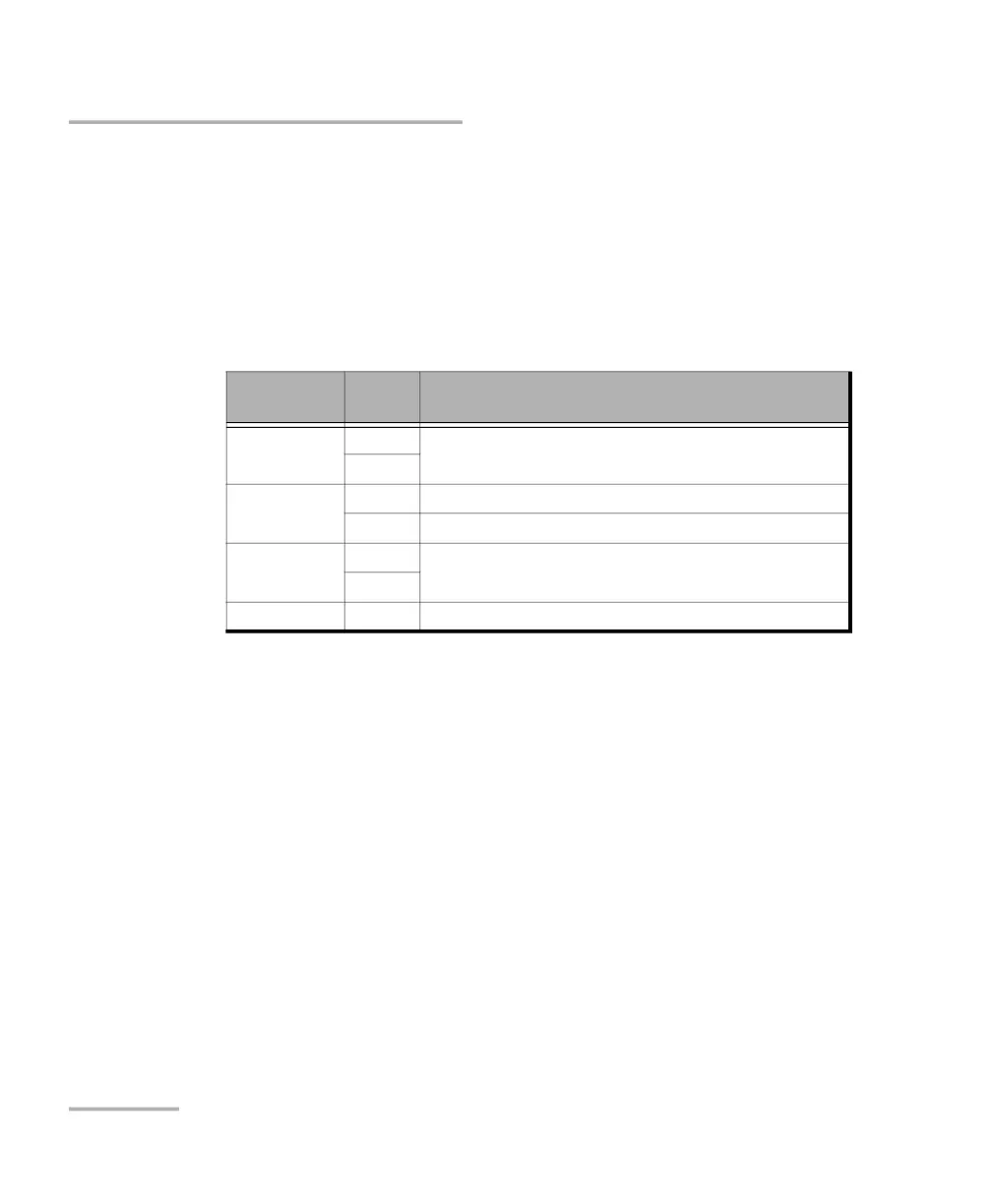
Current and history alarms/errors are displayed using different
background colors as defined in the following table.
When an alarm/error label is dimmed, it indicates that the alarm/error
is not monitored or not supported.
Seconds gives the total number of seconds in which one or more
alarm/error occurred.
Count gives the number of occurrences of a specific error. The
count is displayed using integer value; exponential value (for
example: 1.00000E10) is used when the count is bigger than the
field display capacity.
Rate calculates and displays the error rate. The rate is expressed
using the exponential format with two decimal digits (example:
1.23E-04).
Note: When an alarms/errors group displays a magnifying icon, tapping on it
gives more information on alarm/error like Second, Count, and Rate.
Background
color
Alarm/
Error
Description
Gray Current No test result available or the results have no impact on the
test verdict.
History
Green Current No alarm/error has occurred in the last second.
History No alarm/error has occurred during the test.
Red Current An alarm/error occurred in the last second.
History
Amber History At least one alarm/error has occurred during the test.












 To Next Page