Graphical User Interface Overview
44 FTBx-88000 Series
Title Bar
The following status are also displayed:
Battery/AC icons, available on FTB platforms, indicate the battery level
and if the platform is connected to an AC power source. Refer to the
platform user guide for more information.
Date and Time indicate the current date and time.
Title Bar
The Title Bar displays the module’s slot number in brackets, the software
application name and the minimize, maximize, and close buttons.
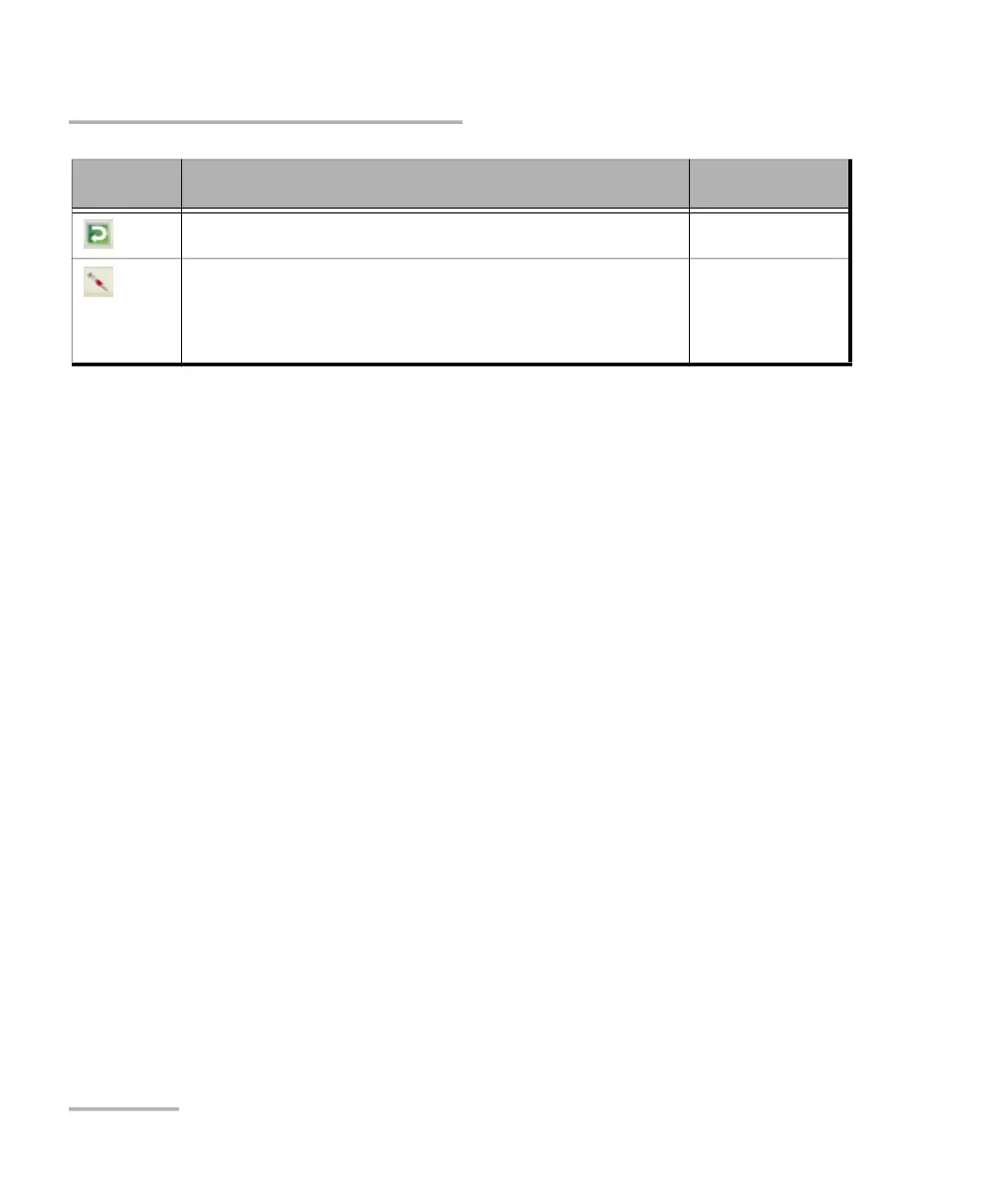
The test is in loopback mode. Not displayed when not in loopback
mode.
NI-CSU Emulation
Alarm/error is currently injected. Not displayed when there is no
alarm/error injection.
Transport
EtherBERT
Carrier Ethernet OAM
Fibre Channel
Wireless
a. For all lanes for parallel interface.
b. For at least one lane for parallel interface.
Icon
and/or text
Description Test Application












 To Next Page