Setup
304 FTBx-88000 Series
Interface
Interface
Note: With host/media loopback mode only LINK is available for a framed test
and the Interface tab is not supported with an unframed test.
From the test menu, tap Setup, Test Configurator, the interface block, and
the Interface tab.
Port, available with FlexE BERT/FlexO BERT, allows selecting the physical
port to be displayed.
FlexO Instance ID, available with FlexO BERT, indicates the FlexO
instance identifier per port.
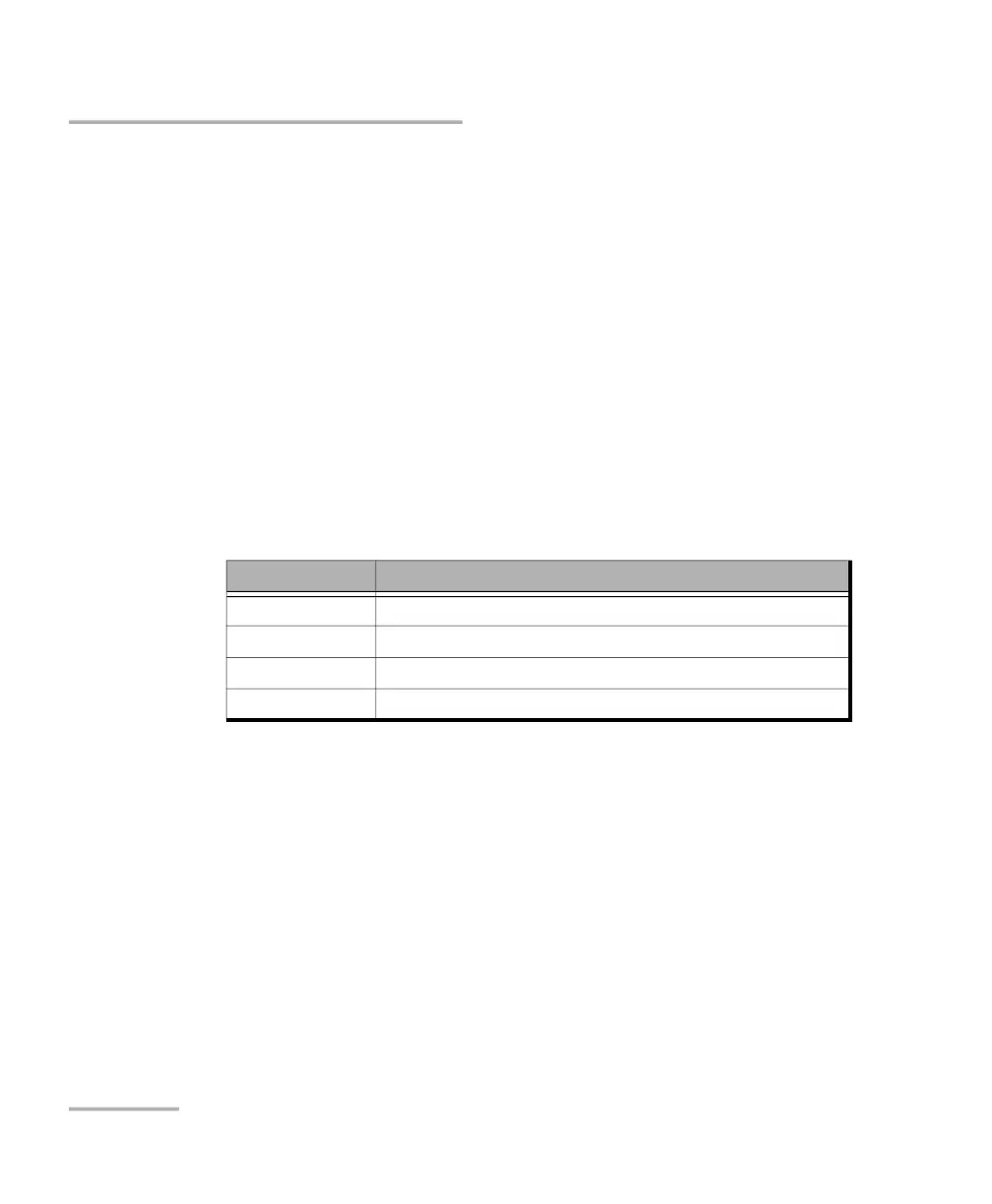
FlexE PHY Number, available with FlexE BERT, allows configuring the
FlexE PHY number assigned to the port:
Link, available with EtherBERT multiple link interface (ex: 2 x 100GE),
allows selecting the link to be displayed.
Enable check box when selected (default) includes the selected link
in the test. At least one of the links must remain enabled.
FEC check box, available with FlexO BERT, when selected (default)
enables the FEC in TX/RX and allows detecting, reporting, and
correcting up to 15 symbol errors (Correctable) per codeword. If there
are over 15 symbol errors detected, they are reported as uncorrectable
errors.
Interface FlexE PHY Number
400G 1 to 62
200G 1 to 126
100G 1 to 254
50G 1 to 126












 To Next Page