Setup
362 FTBx-88000 Series
Profile - DCO BERT
Profile - DCO BERT
From the test menu, tap Setup, Test Configurator, the Client block, and
the Profile tab.
Client, available with multiple link client (ex. 4 x 100GE), allows
selecting the client to be displayed.
Enable check box when selected (default), includes the selected
client in the test. At least one of the clients must remain enabled.
Ethernet Frame
Frame Size (Bytes) allows selecting the frame type (Fixed (default) or
EMIX) and the frame size (64
1
to 16000
2
). Sending traffic with frame
size >1518 in switched network may result in losing all frames.
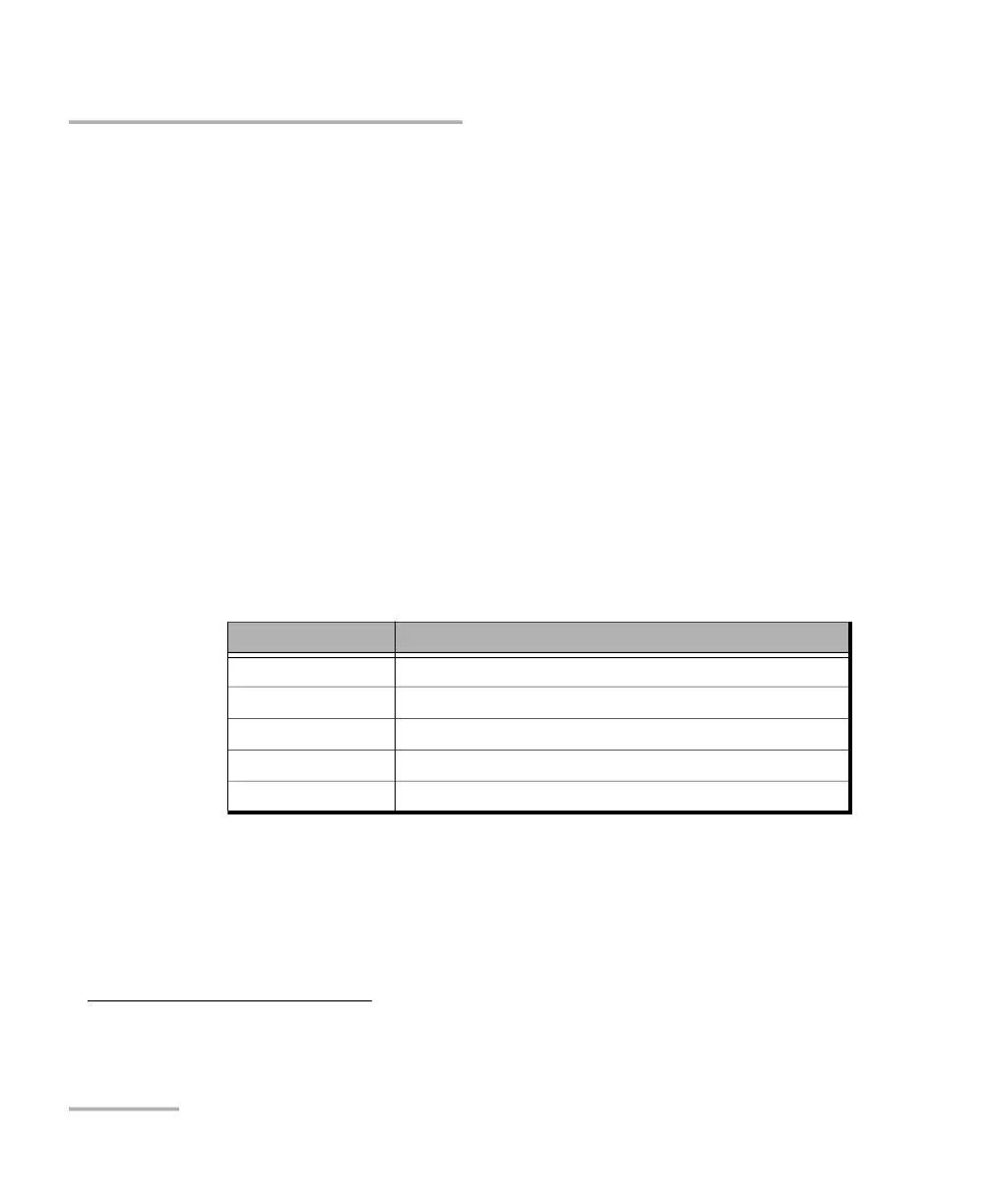
The following table lists each component that may affect the minimum
size value.
EMIX button is available when EMIX frame size is selected. The EMIX
frame sequence is repeated continuously (refer to EMIX on page 968).
1. The minimum frame size will be adjusted according to the frame structure and components selected.
2. The maximum frame size is limited to 10000 for 10/100/1000Mbps electrical interface.
Component Description
VLAN 4 bytes per VLAN (up to 3 VLAN
UDP 8 bytes
Ethernet Header 14 bytes
IPv4 20 bytes
IPv6 40 bytes












 To Next Page