Getting Started
Power Blazer 13
Inserting and Removing Transceiver System
Inserting and Removing Transceiver System
FTBx-88260/88480/88481/88482
The following procedures describe insertion and removal of transceiver
system for FTBx-88260/88480/88481/88482 modules. The FTBx-88260
pictures are used as example in the following procedures.
To insert a transceiver system into the FTBx module:
1. Position the FTBx module so that its faceplate is facing you.
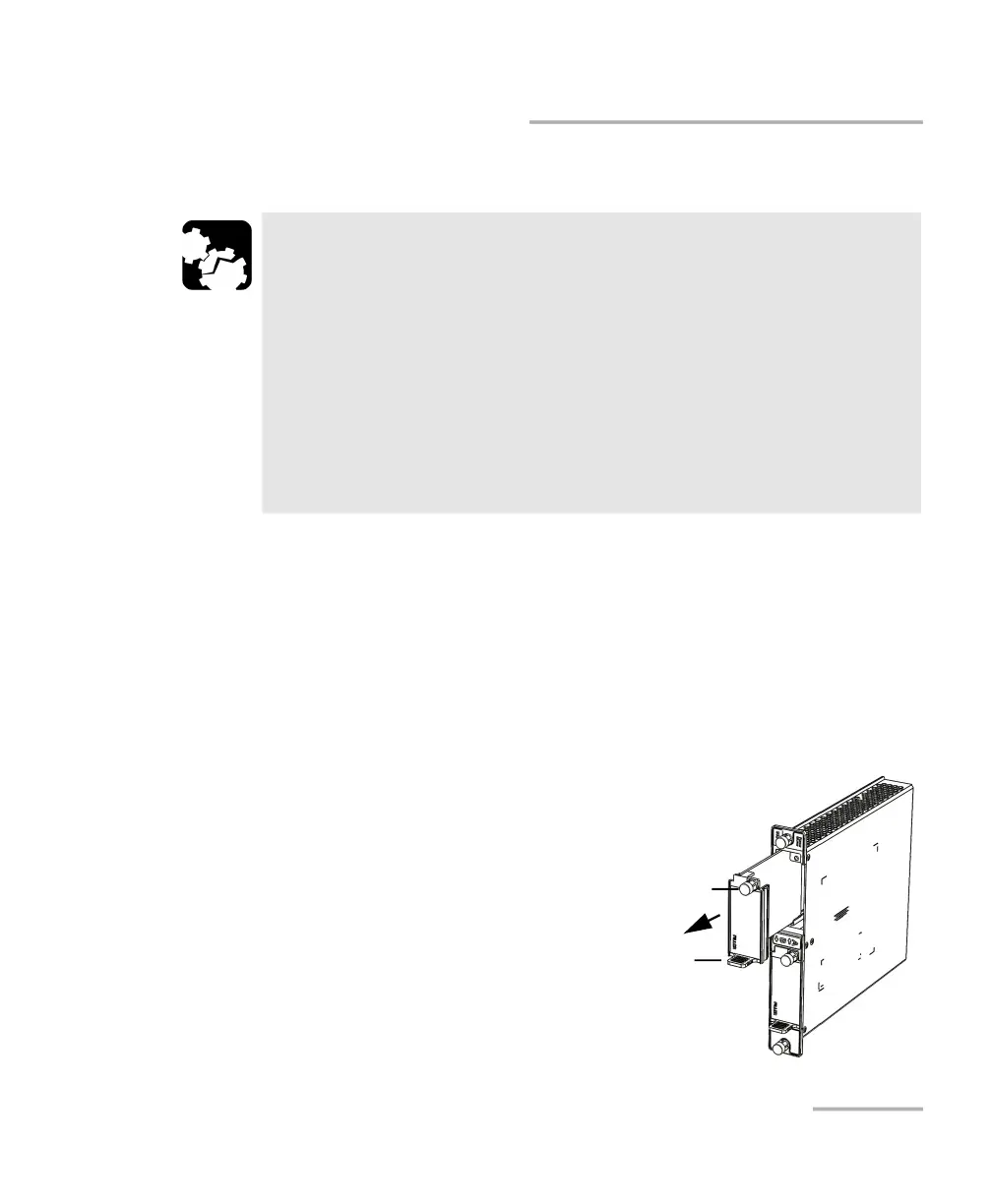
2. Remove the FILLER (protective
cover) from the FTBx module.
Turn the retaining screw
counterclockwise until it is
loose.
Hold the FILLER by the handle
and/or the retaining screw and
pull it out.
CAUTION
There is no need to turn off your unit before inserting or removing
transceiver systems. However, inserting/removing transceiver
systems without following the instructions provided in this user
documentation could result in the following consequences,
depending on the operation underway when the transceiver
systems are inserted/removed:
unexpected behavior of the test applications,
instability of the system,
or cause irreparable damage to your transceiver systems.
Screw
Handle












 To Next Page